What is Typing Lab?
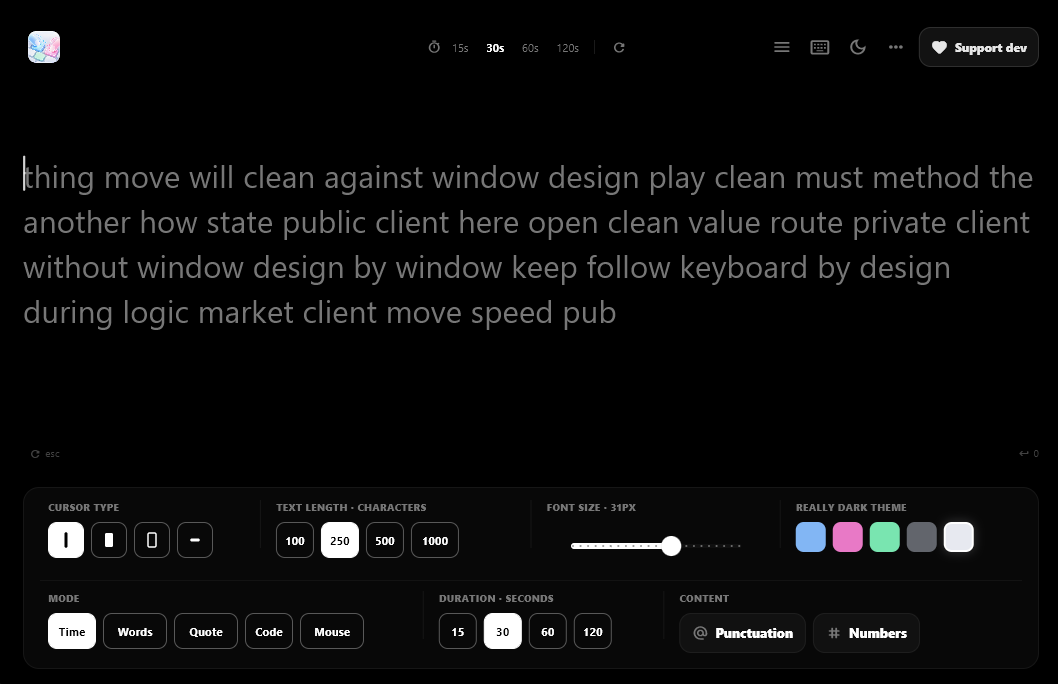
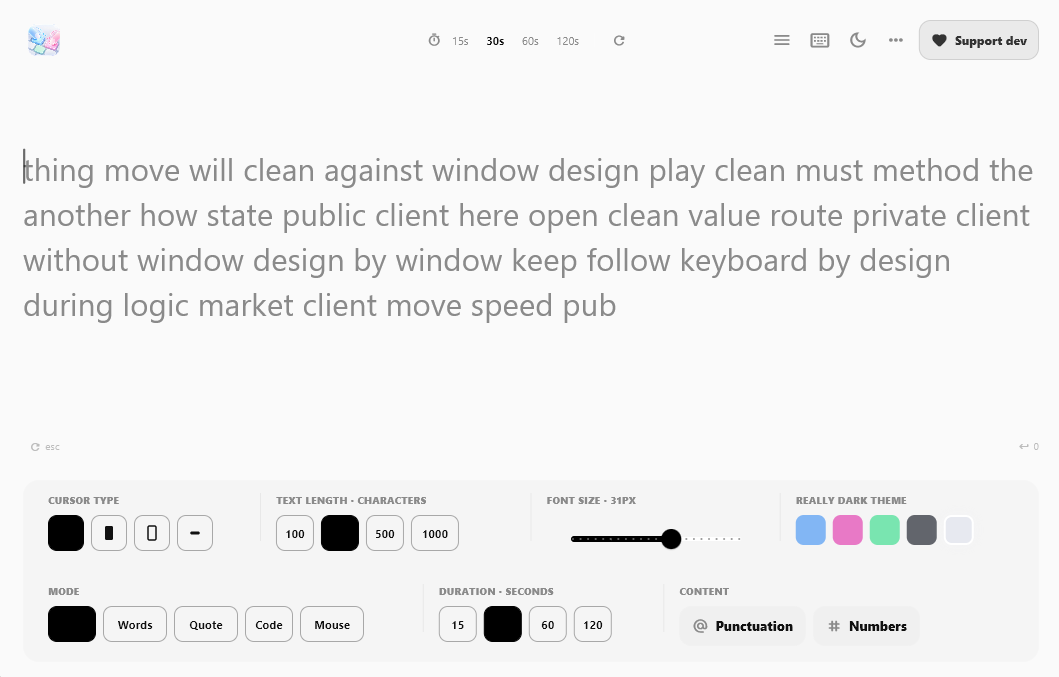
Typing Lab is a free typing speed test app for Windows. Practice typing, measure words per minute, track accuracy, review errors and build speed through a clean, focused desktop interface.
Type faster. Make fewer mistakes.
Typing Lab is a free typing speed test app for Windows with WPM, accuracy and error tracking.
The main download link works on any device; the second opens Microsoft Store on Windows.
Product preview
Official screenshots from the Microsoft Store listing. Select any image to view it at full size.
Typing Lab is a free typing speed test app for Windows. Practice typing, measure words per minute, track accuracy, review errors and build speed through a clean, focused desktop interface.
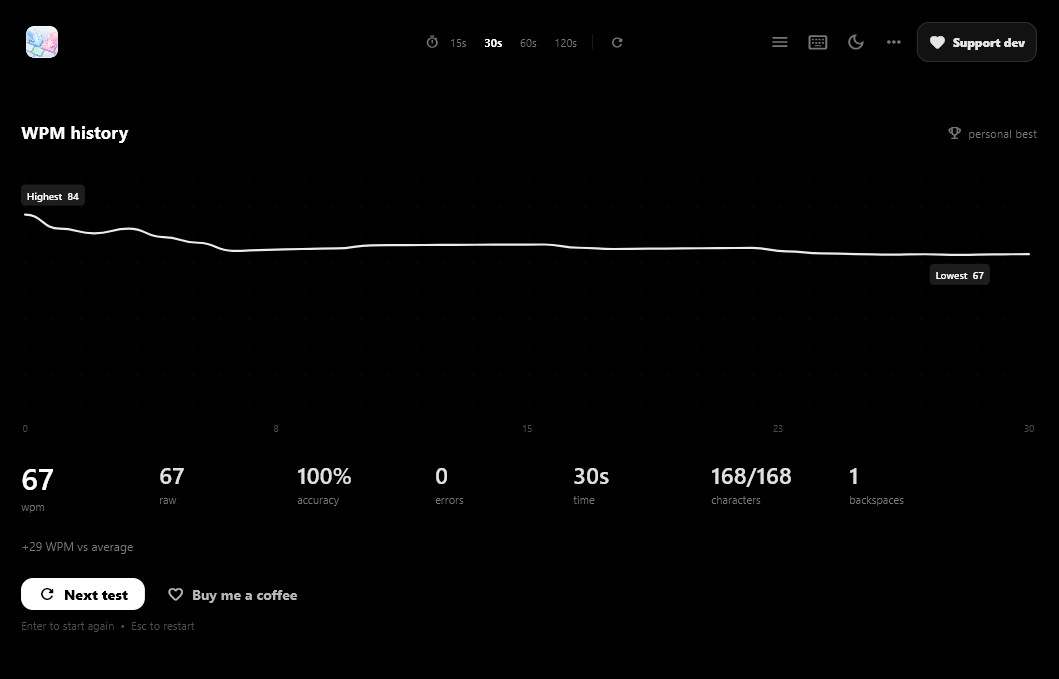
See your words-per-minute score, accuracy percentage and mistakes after each test, so you know what to improve instead of only trying to type faster.
The lightweight, keyboard-focused interface gets out of the way so you can start a test in seconds. It is built for students, developers, office workers, writers and job seekers preparing for typing tests.
All Typing Lab features are free. An optional Support Tip lets you support development but does not unlock restricted content.
Questions, answered
Yes. All features are free, and the optional Support Tip does not unlock anything.
Many adults type around 40 WPM. A speed of 60–80 WPM is strong for office work, but accuracy matters as much as speed.
Yes. A code-style mode helps you practice symbols, brackets and syntax-like text.
Yes. It tracks WPM, accuracy and errors after each test.
Available on Microsoft Store
More from TechEquator