What is Compressly?
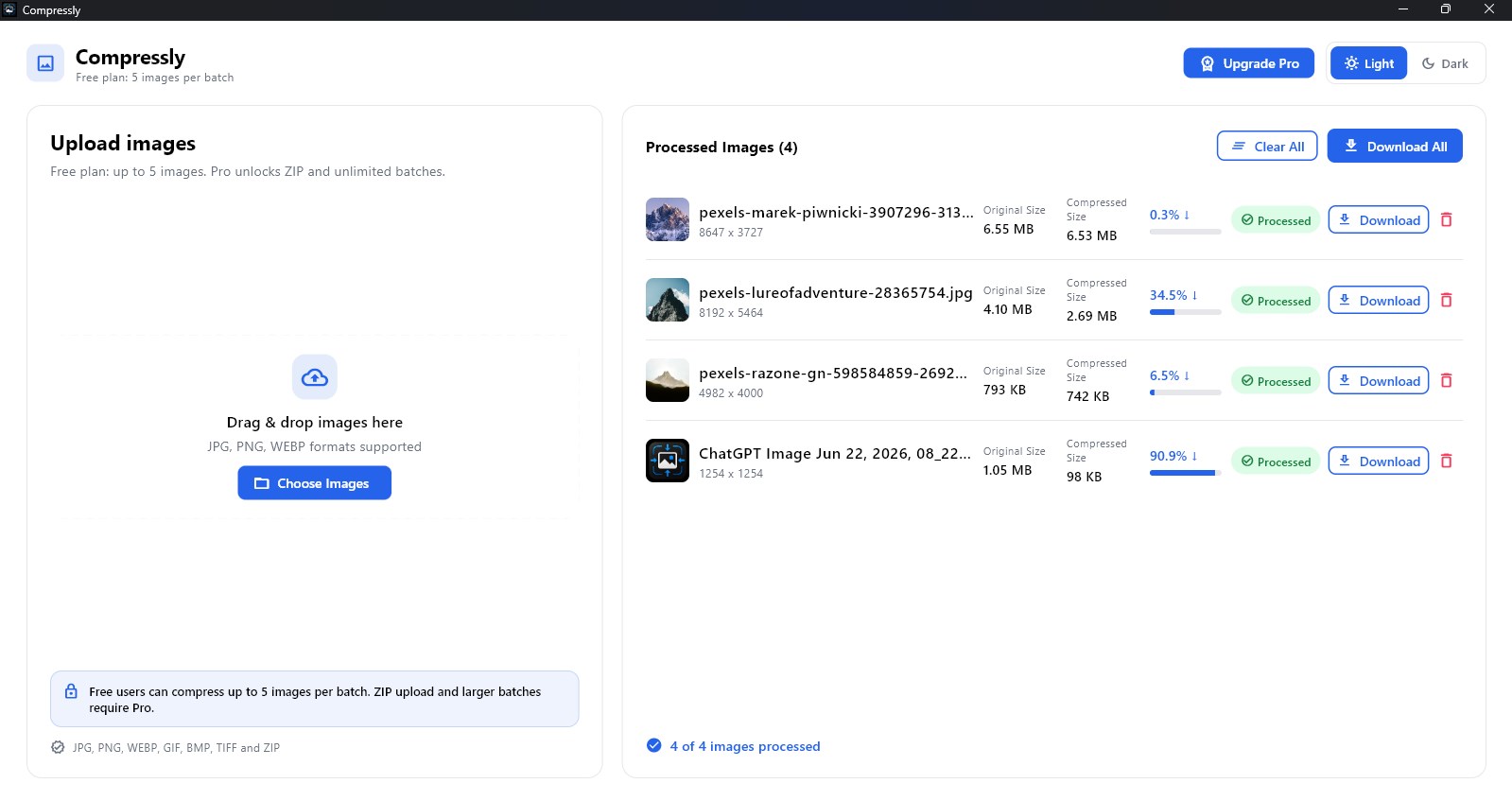
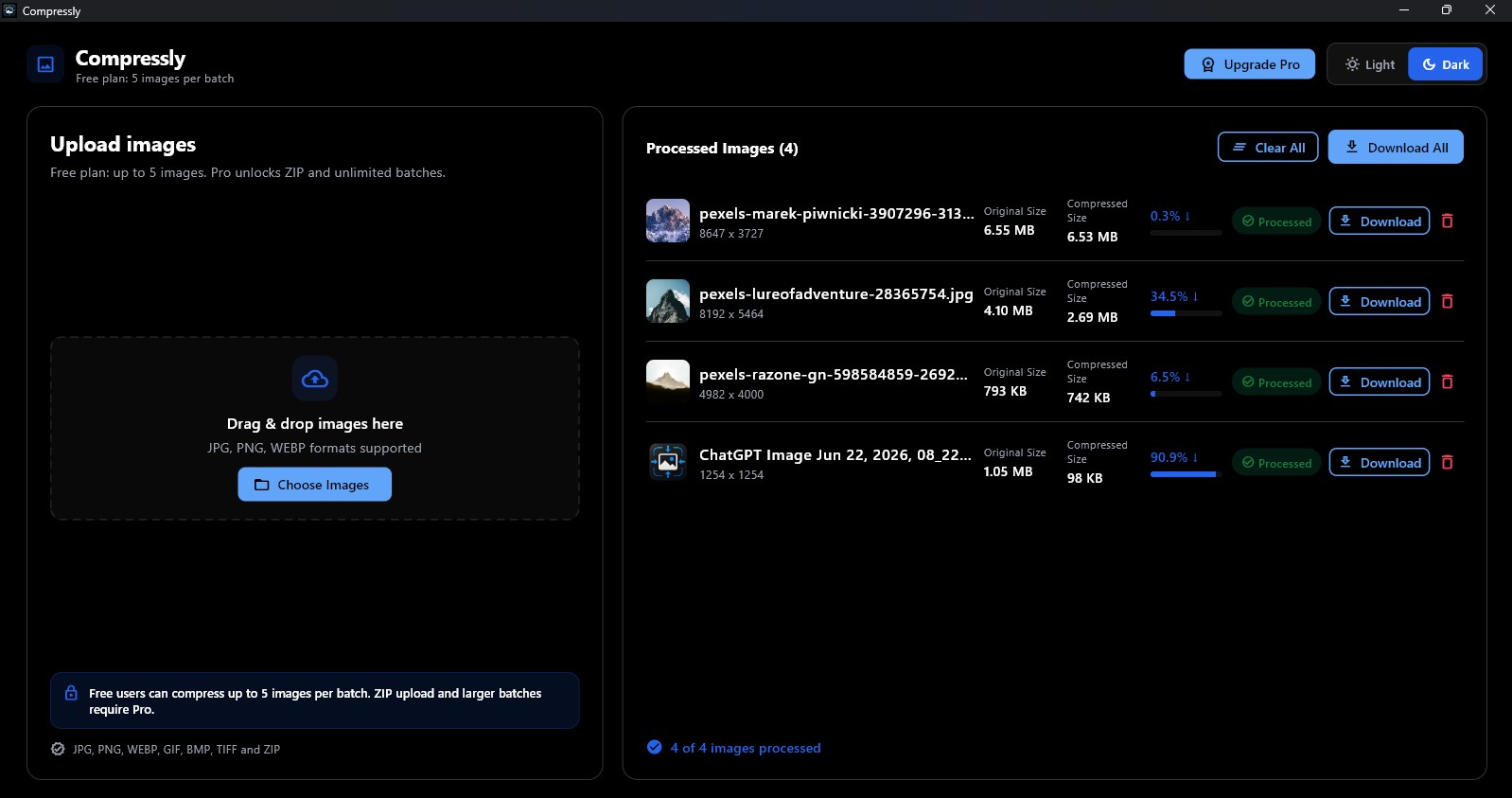
Compressly is a modern image compressor for Windows built for fast, simple image optimization. Drag and drop images, compress them in batches, preview the file-size savings and save the optimized results.
Smaller images. Same great look. Processed on your PC.
Compressly is a fast batch image compressor for Windows. Drag, drop, compress and save without uploading anything.
The main download link works on any device; the second opens Microsoft Store on Windows.

Product preview
Official screenshots from the Microsoft Store listing. Select any image to view it at full size.
Compressly is a modern image compressor for Windows built for fast, simple image optimization. Drag and drop images, compress them in batches, preview the file-size savings and save the optimized results.
Drop a whole set of images and process them together, whether you are preparing a website, product catalog, email or school project.
Compress JPG, PNG, WebP, GIF, BMP and TIFF files in one tool. Compare original and compressed sizes before saving one image or all processed images.
Compressly processes selected files on your device. Your images are not uploaded to TechEquator servers, making it a practical choice for client work, personal photos and confidential images.
Questions, answered
No. Compressly processes files locally on your device.
It supports JPG, PNG, WebP, GIF, BMP and TIFF.
You can compress up to five images per batch. Pro Lifetime removes that limit.
No. Compressly Pro Lifetime is a one-time purchase.
Yes. ZIP upload is available with Compressly Pro Lifetime.
Available on Microsoft Store
More from TechEquator