What is Swift POS?
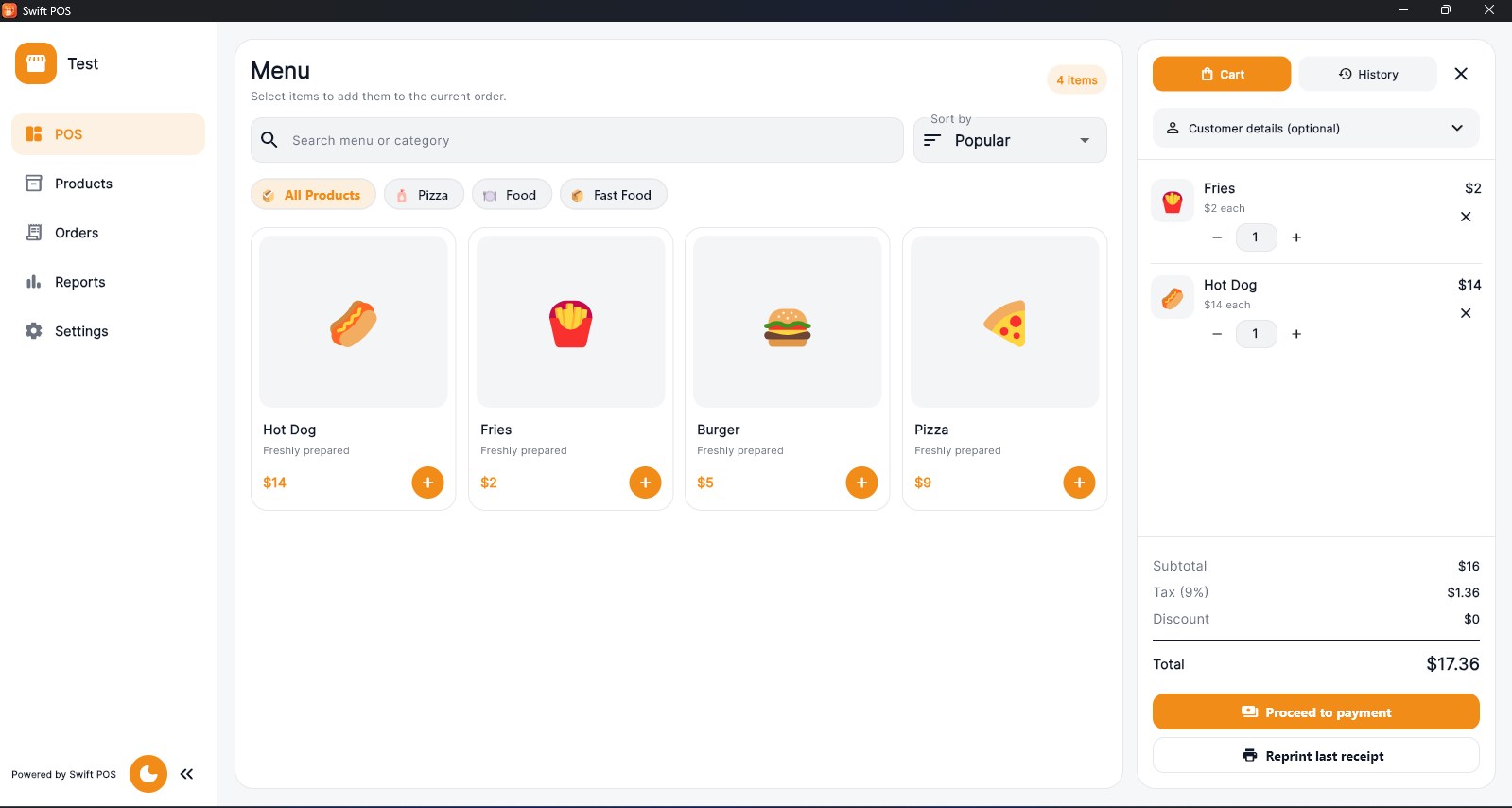
Swift POS is a simple point-of-sale app for Windows desktops. Create products, organize categories, ring up carts, manage orders, generate receipts and review sales activity from one workstation.
Fast checkout. Simple shop management.
Swift POS is a clean Windows point-of-sale app for small shops, cafés, restaurants and service counters without a complicated back-office system.
The main download link works on any device; the second opens Microsoft Store on Windows.
Product preview
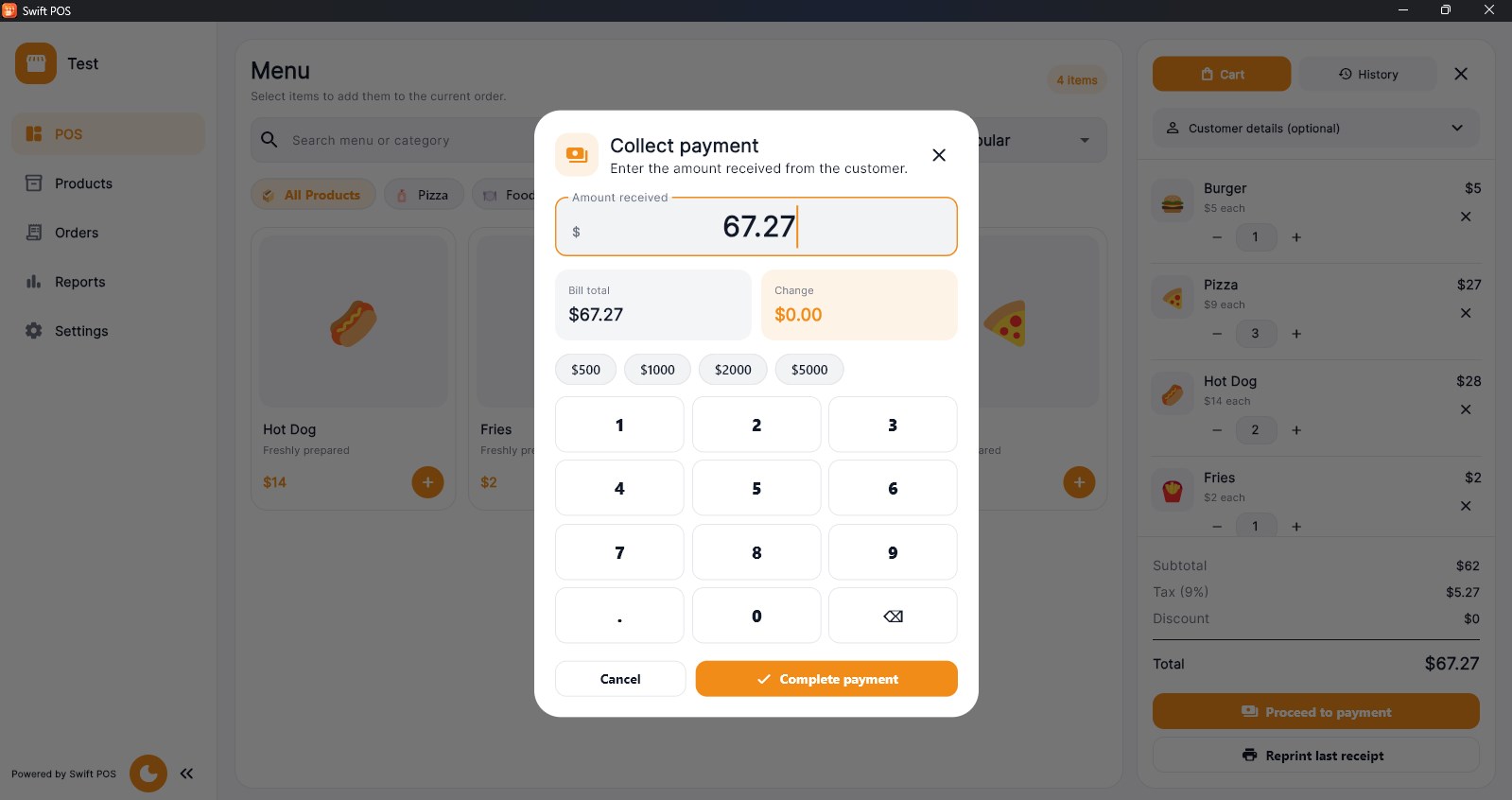
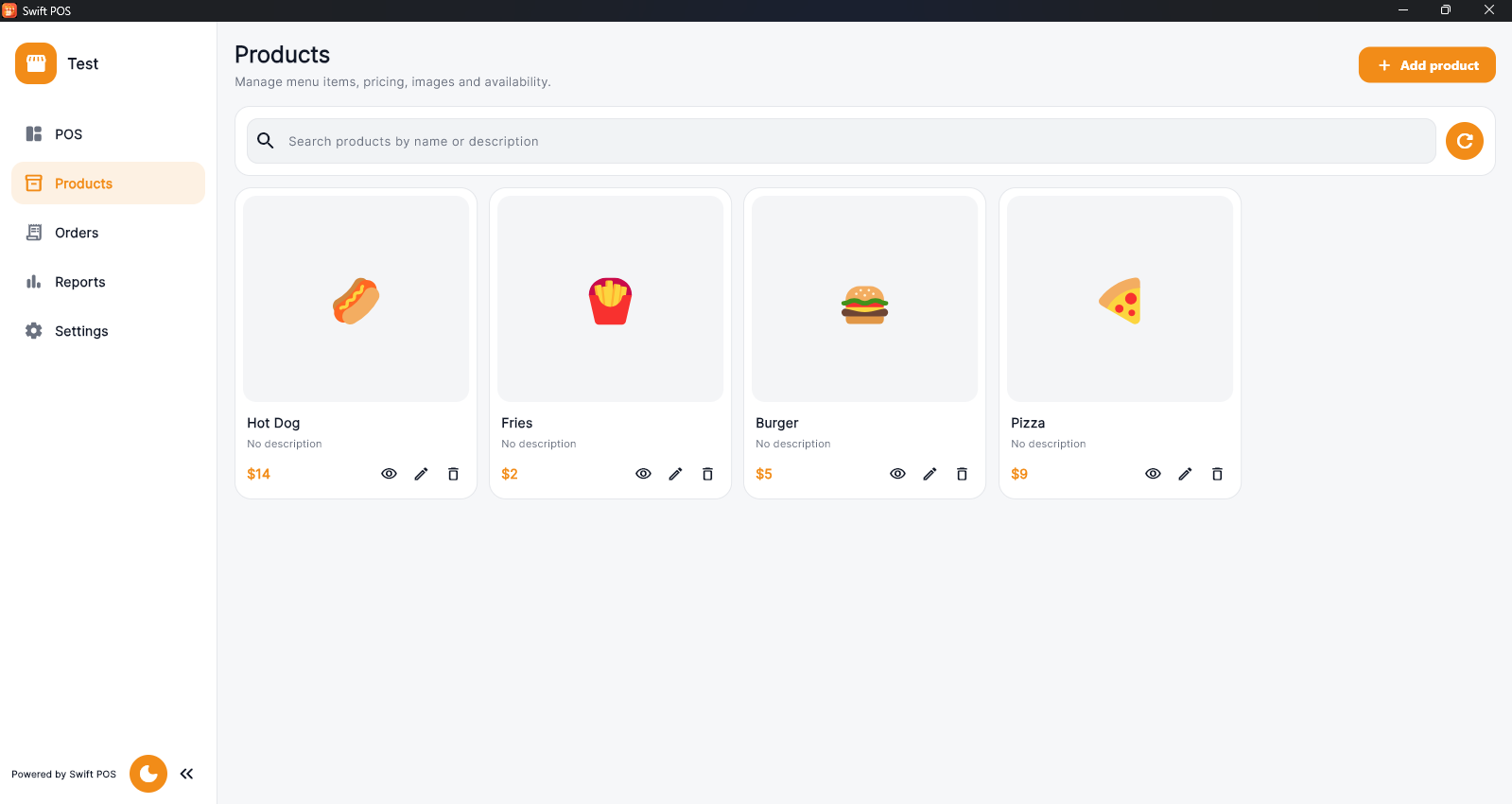
Official screenshots from the Microsoft Store listing. Select any image to view it at full size.
Swift POS is a simple point-of-sale app for Windows desktops. Create products, organize categories, ring up carts, manage orders, generate receipts and review sales activity from one workstation.
Add items to the cart, process the sale and finish. The checkout flow is designed to stay fast during busy hours.
Organize products into categories, set prices, track stock and add images so items are easy to find. Review past orders and generate customer receipts using your business profile, currency and tax details.
Swift POS Pro adds sales reports to help identify best-sellers and busy periods. Light and dark themes keep the counter interface comfortable throughout the day.
Questions, answered
There is a free plan for up to five products. Pro adds unlimited products and more features.
It is designed for small shops, cafés, restaurants, kiosks and service counters using a Windows desktop or laptop.
Yes. Receipts and order history are included, while sales reports are available with Pro.
Yes. You can configure them in the business profile and receipt settings.
Swift POS Pro is billed through a yearly Microsoft Store subscription.
Available on Microsoft Store
More from TechEquator