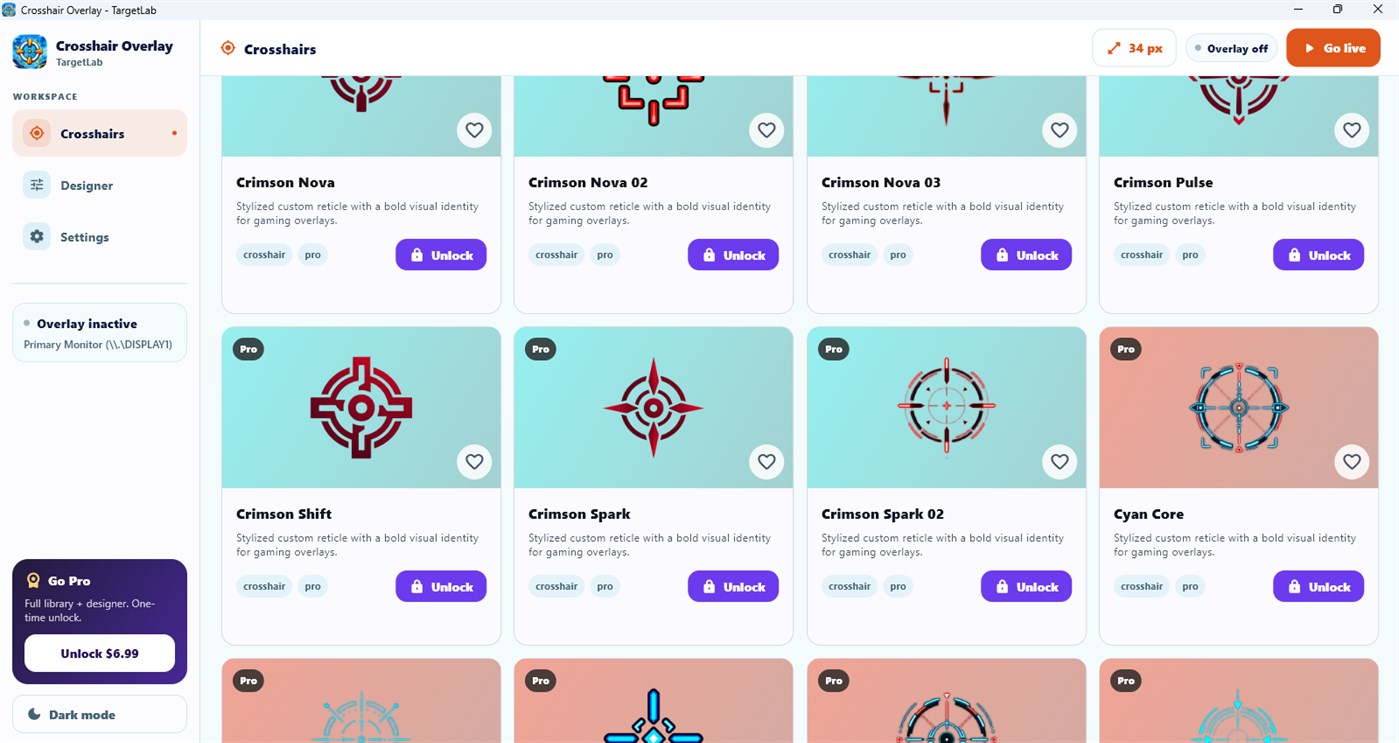
Custom Windows crosshair overlay

TargetLab: Custom Crosshair Overlay for Windows

Aim. Align. Create.

TargetLab is a customizable crosshair overlay for Windows with a large design library, styling controls and a click-through overlay that never blocks your mouse.

The main download link works on any device; the second opens Microsoft Store on Windows.

TargetLab custom crosshair overlay for Windows
Custom styles and presets
Click-through overlay
Multi-monitor support

Product preview

See TargetLab in action

Official screenshots from the Microsoft Store listing. Select any image to view it at full size.

What is TargetLab?

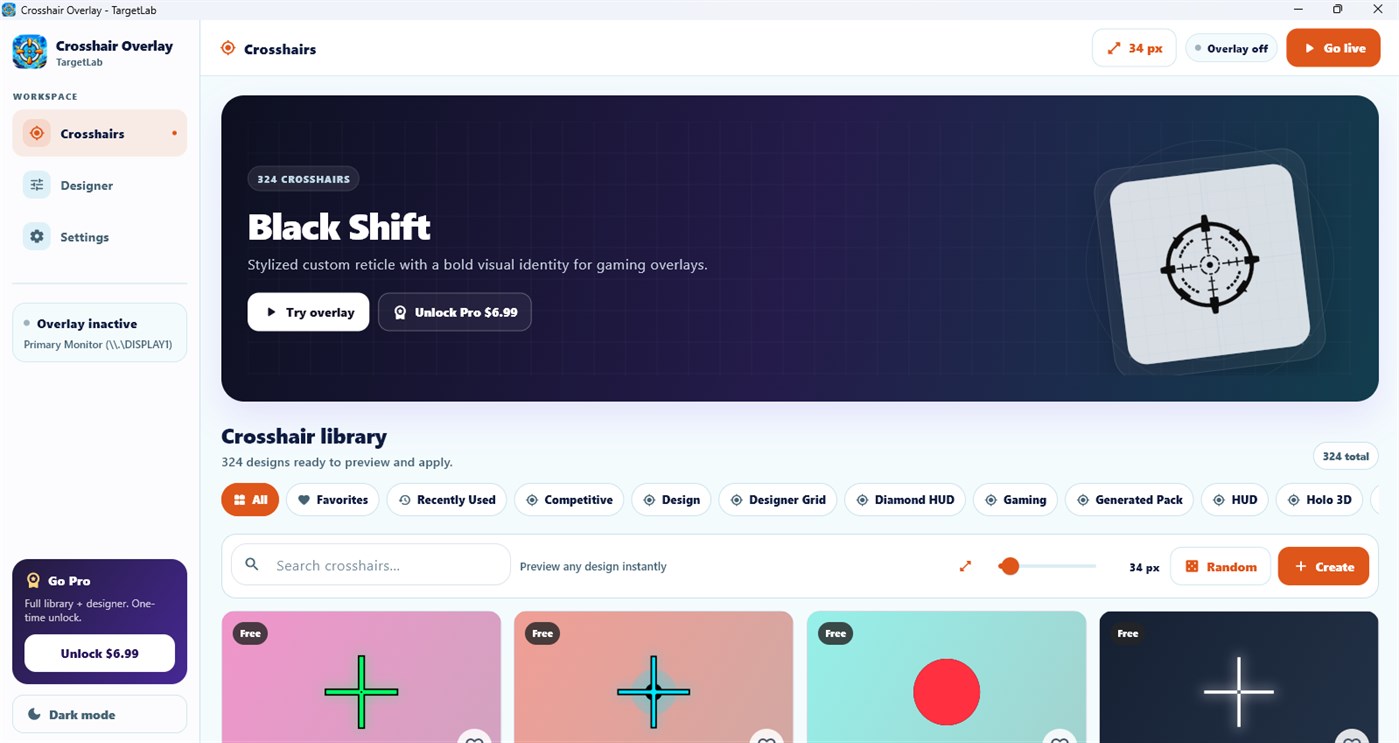
TargetLab is a crosshair overlay app for Windows. Choose a ready-made crosshair, dot, circle or reticle, or design your own, then show it above supported apps for visibility and consistent alignment. It also supports grids and alignment guides for design, editing and streaming.
A large crosshair design library

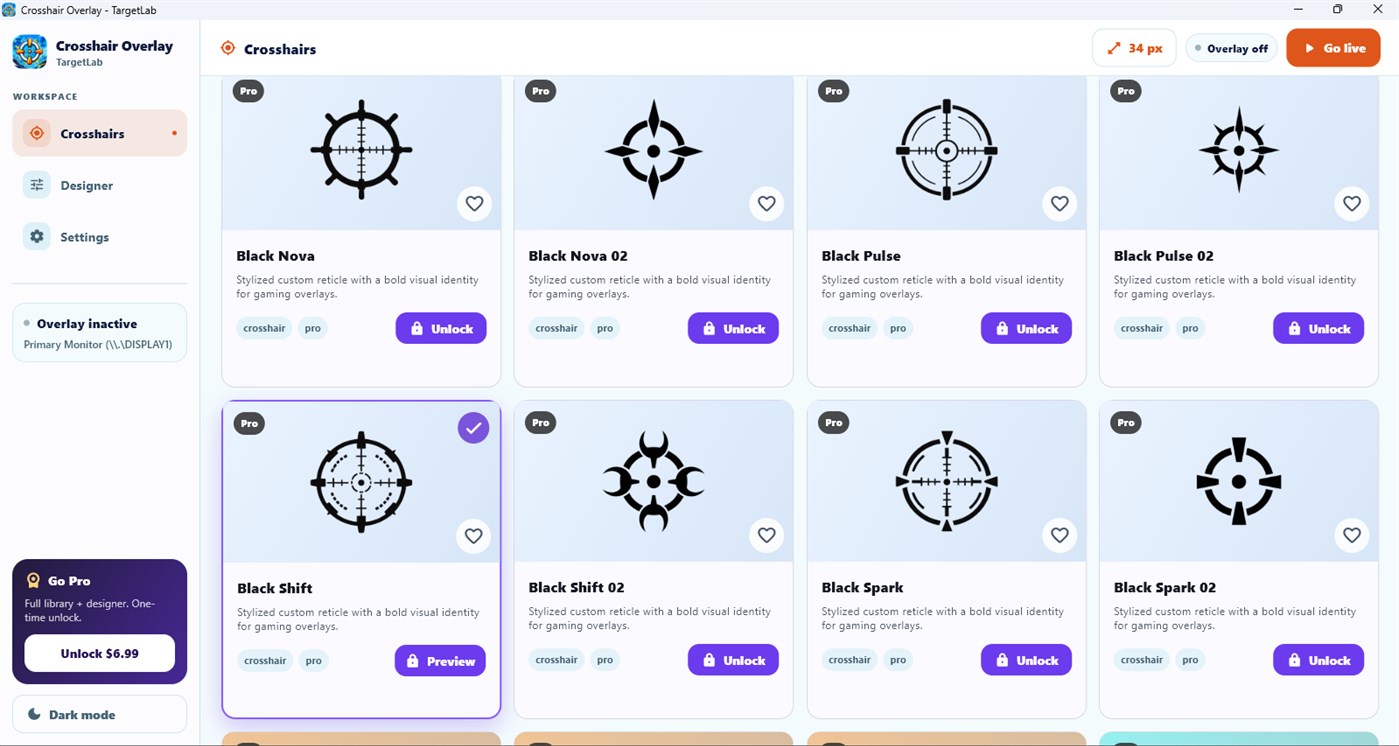
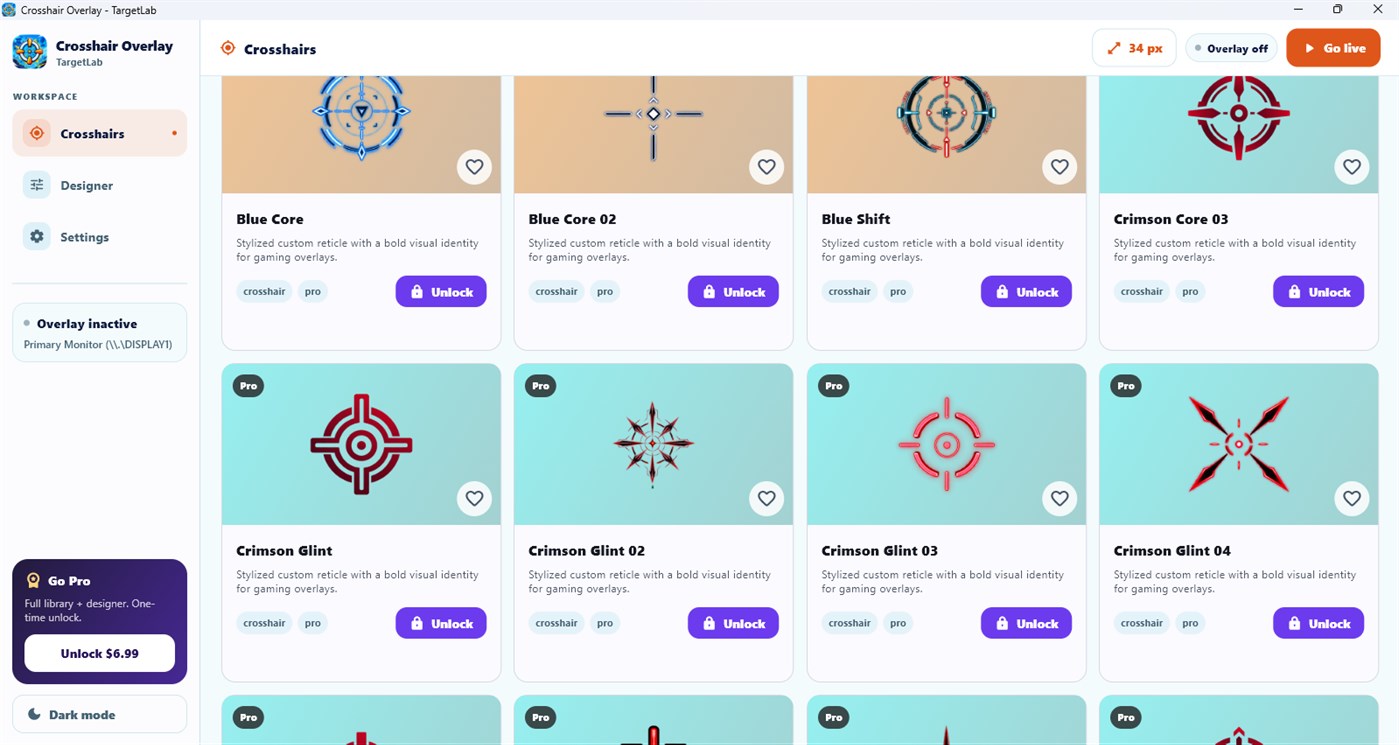
Explore competitive, tactical, minimal, neon and HUD styles. Adjust size, thickness, gap, opacity and rotation; choose HEX or RGB colors; then save favorite setups as presets.

Transparent and click-through

The transparent, borderless overlay stays on top while allowing mouse clicks to pass through, so the app underneath continues to work normally.

Monitors, hotkeys and custom overlays

Choose a monitor, toggle the overlay using a global hotkey and control it from the system tray. TargetLab Studio Pro also supports custom PNG overlays.

Useful beyond games

Use center markers, grids and guides for UI/UX design, graphics work, development, video editing, streaming and screen recording.

Compatibility and responsible use

TargetLab is a normal Windows desktop overlay. It does not inject DLLs, modify game memory or attempt to bypass anti-cheat systems. Compatibility varies with protected apps and exclusive-fullscreen modes; borderless or windowed mode is recommended. Check each game's rules before using an overlay.

Questions, answered

TargetLab FAQ

Will the overlay block mouse clicks?

No. TargetLab has a click-through mode.

Does it work in exclusive fullscreen?

Compatibility varies. Borderless or windowed mode is recommended for the best results.

Is it safe to use with anti-cheat games?

TargetLab does not inject into games or modify memory, but no overlay can guarantee how a specific game or anti-cheat will treat it. Check the game's rules.

Can I use my own crosshair image?

Yes. Custom PNG overlays are included with TargetLab Studio Pro.

Does it support multiple monitors?

Yes. You can choose which monitor displays the overlay.

Is Pro a subscription?

No. TargetLab Studio Pro Lifetime is a one-time purchase.

Available on Microsoft Store

Put the right marker exactly where you need it.

Get TargetLab