
File converter and utility toolkit for Windows

Routine Tools: 61 File Converters and Utilities for Windows

Everyday file tools, organized in one Windows app.

Convert, compress, resize and clean up images, video, audio, PDFs and spreadsheets with 61 practical tools, smart file actions and batch workflows.

The main download link works on any device; the second opens Microsoft Store on Windows.

Routine Tools file converter and utility toolkit for Windows icon
61 image, video, audio and PDF tools
Batch Workflow Builder
Standard conversions run locally when possible

Product preview

See Routine Tools in action

Official Microsoft Store screenshots. Select any image to view it at full size.

What is Routine Tools?

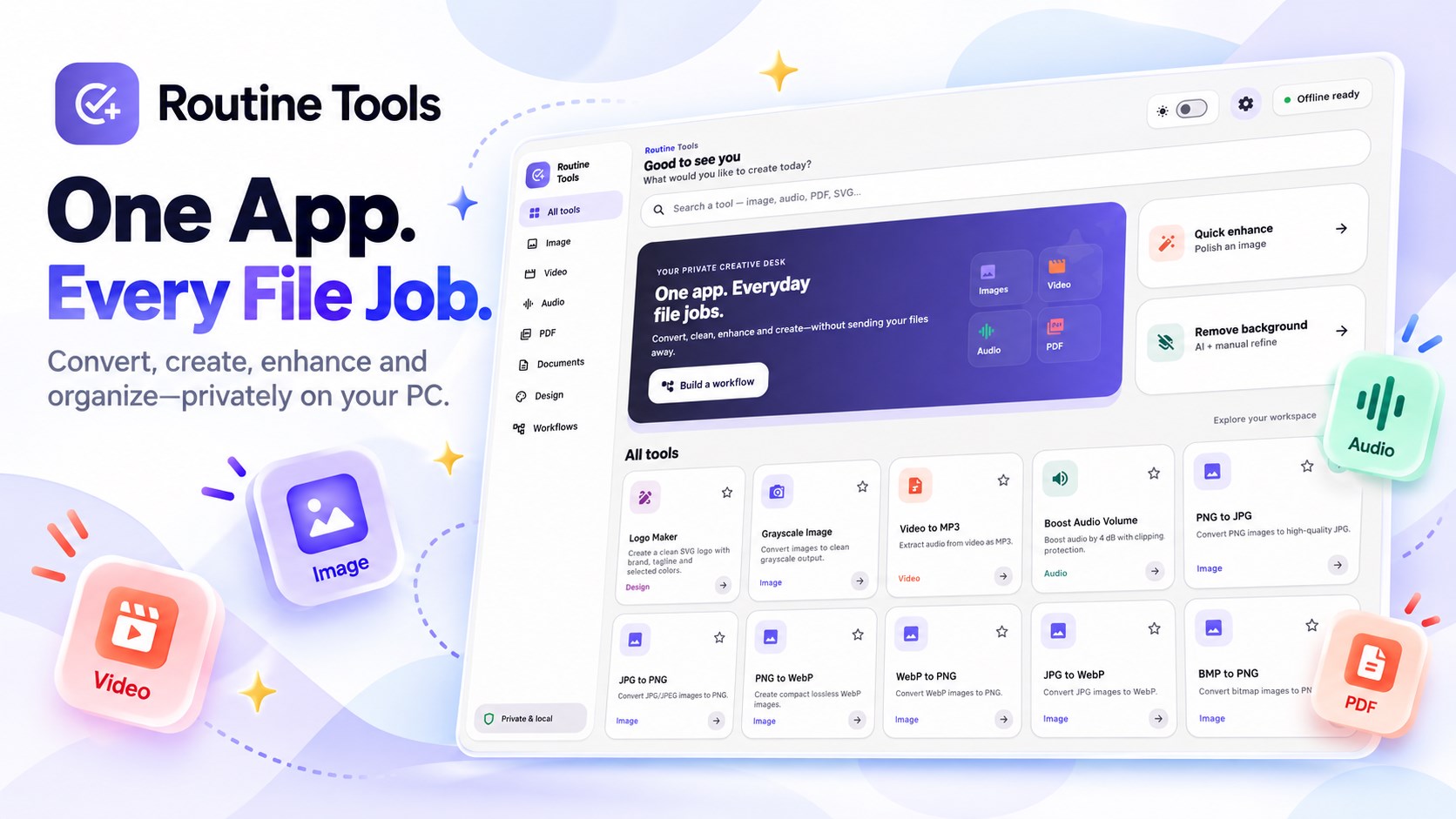
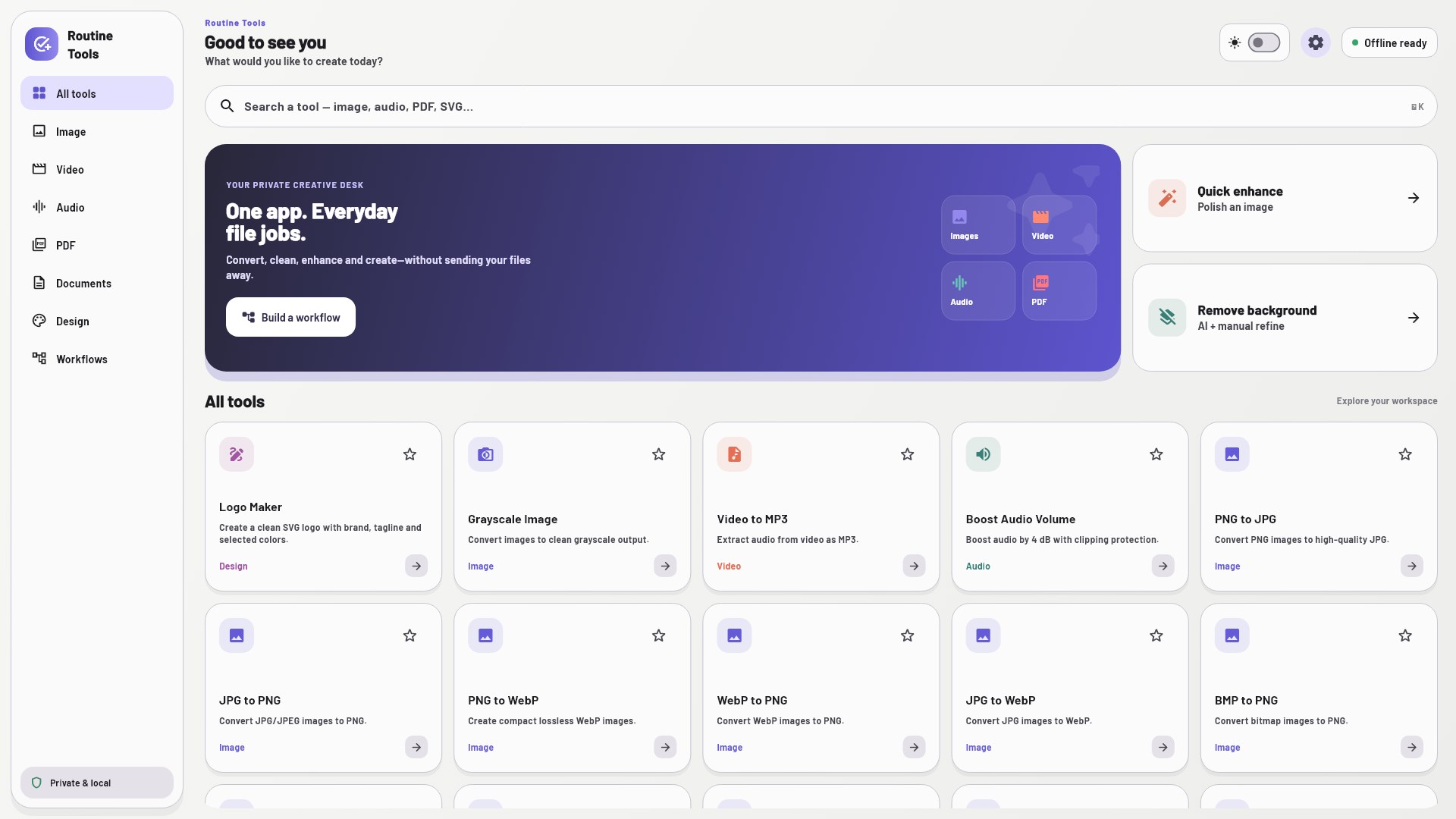
Routine Tools puts 61 everyday file tools in one organized Windows app. Convert, compress, resize, clean up and organize images, videos, audio, PDFs and spreadsheets, with search, favorites and recent tools to help you find what you need.


Convert and edit everyday files

  • Images: convert PNG, JPG, WebP, BMP, TIFF and HEIC; resize, compress, enhance, remove metadata and create GIFs
  • Video: convert common formats, create GIFs, extract audio or frames, compress, resize, trim, mute and rotate
  • Audio: convert MP3, WAV, FLAC, M4A, OGG and OPUS; normalize, enhance and clean up voice recordings
  • PDF and spreadsheets: merge or split PDFs, convert images to PDF, PDFs to images, and XLSX spreadsheets to PDF
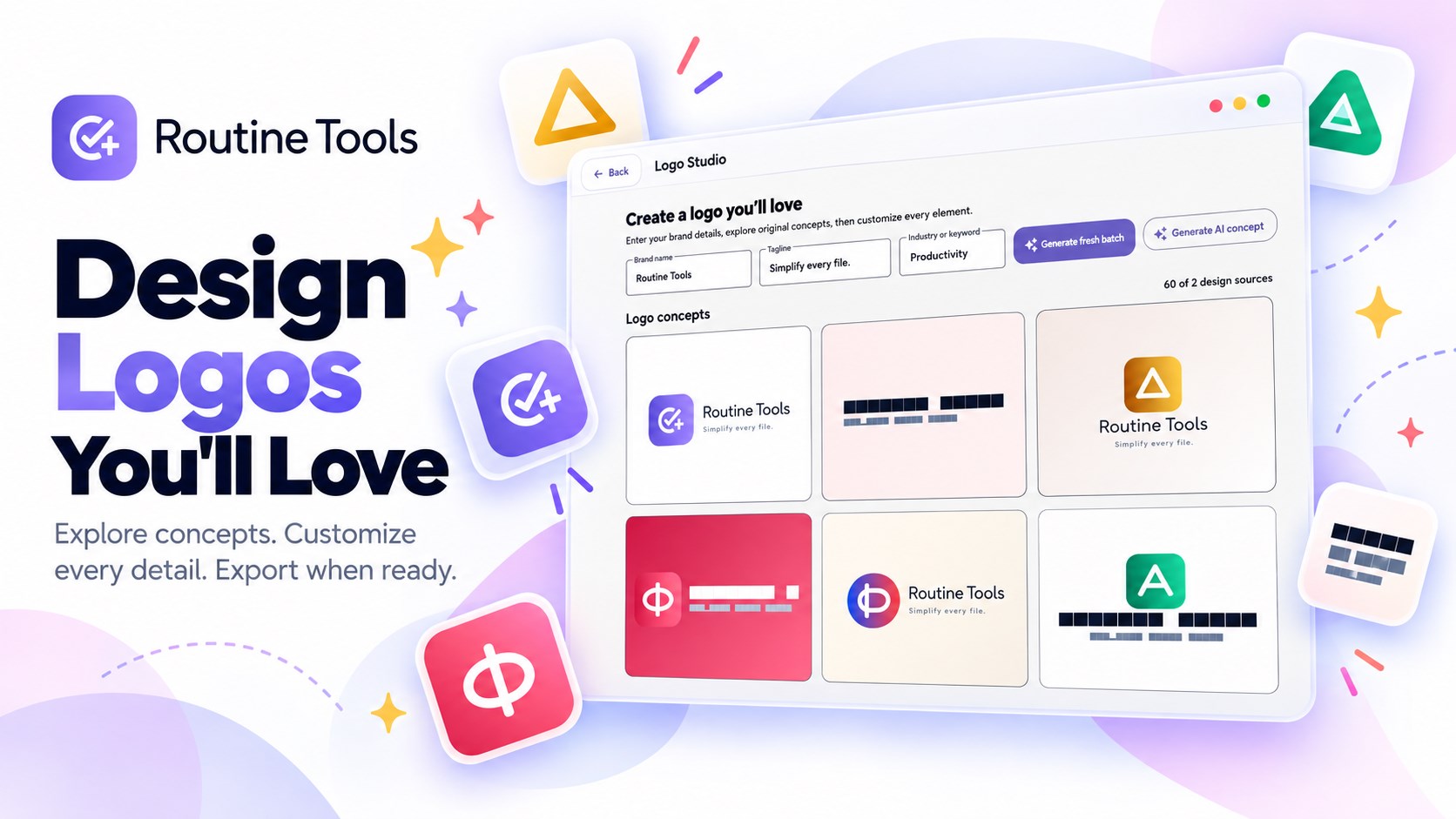
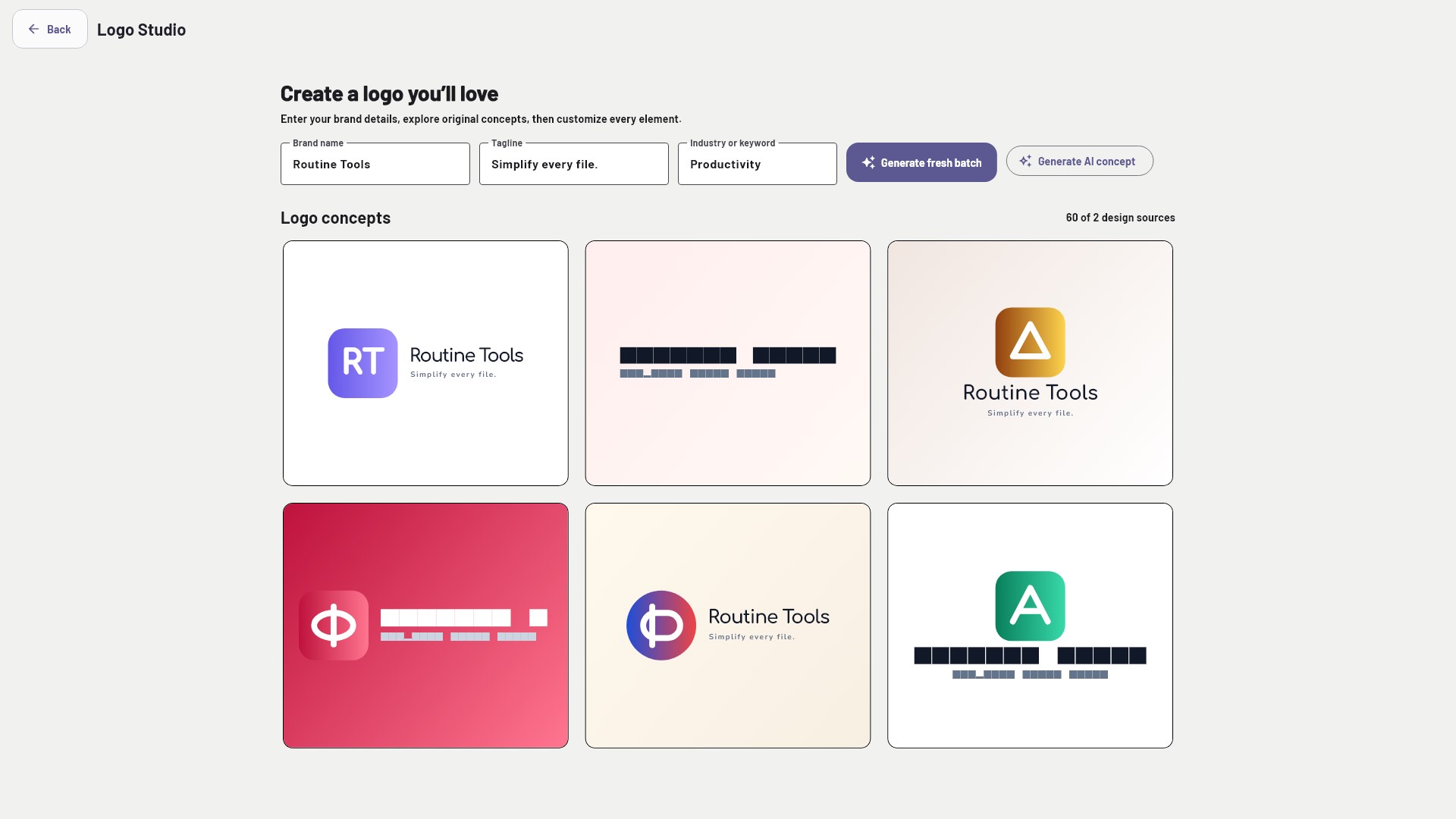
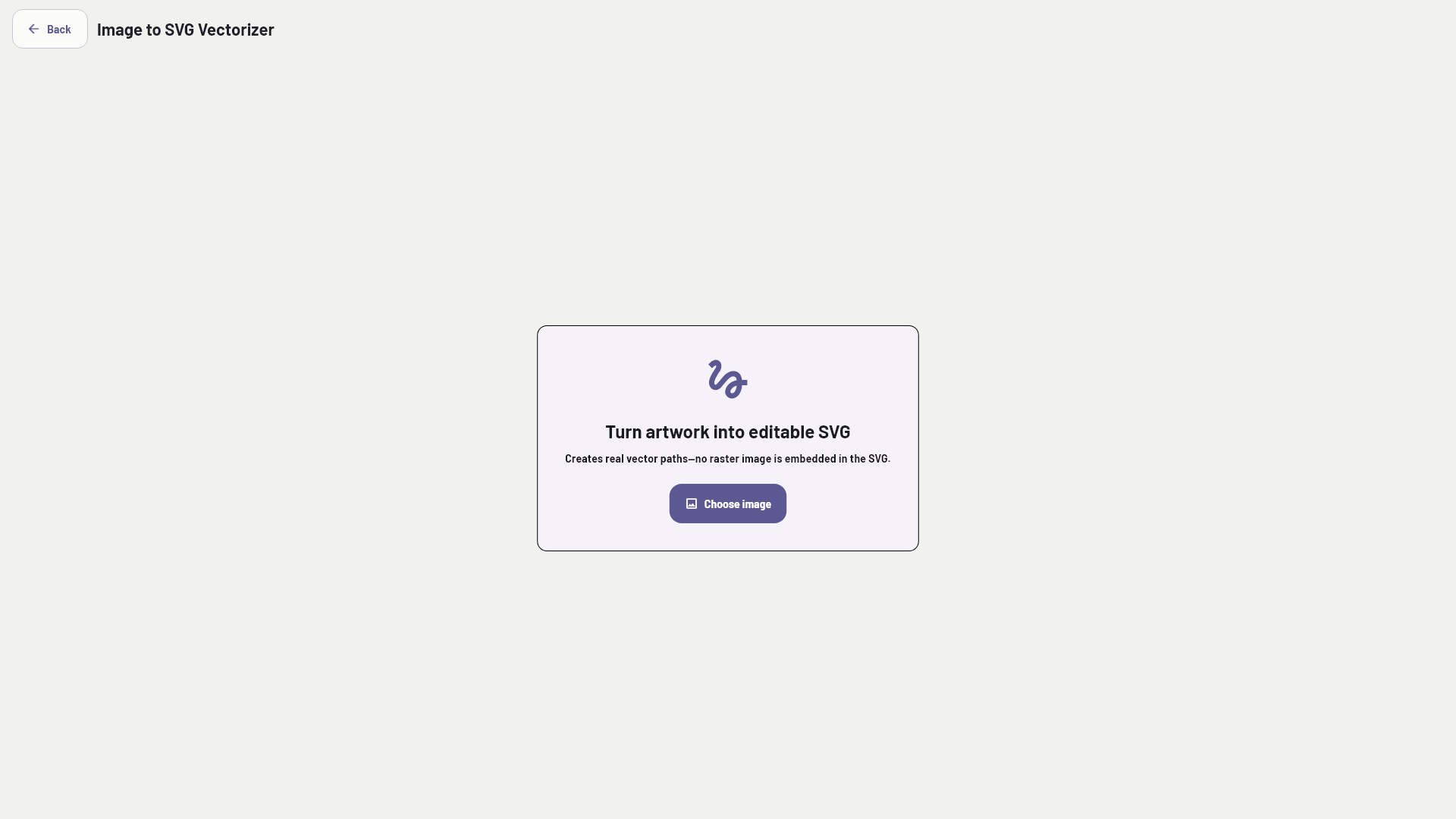
  • Design: trace images to SVG and create logo concepts in Logo Studio

Find the right tool and automate batches

Smart File Actions suggests tools for the file you select. Use search, favorites and recent tools to get to common tasks quickly. The Batch Workflow Builder can chain steps such as conversion, resizing, compression, enhancement and metadata removal into one workflow.

Drag, drop and review the output

Choose a file, pick a tool and set an output folder. Preview results or open the output folder after saving. Routine Tools is designed to save new output files instead of intentionally overwriting originals. Standard conversions are processed on your computer whenever possible, so files do not need to be uploaded to a Routine Tools server for those operations.

Free, Basic, Pro and Lifetime

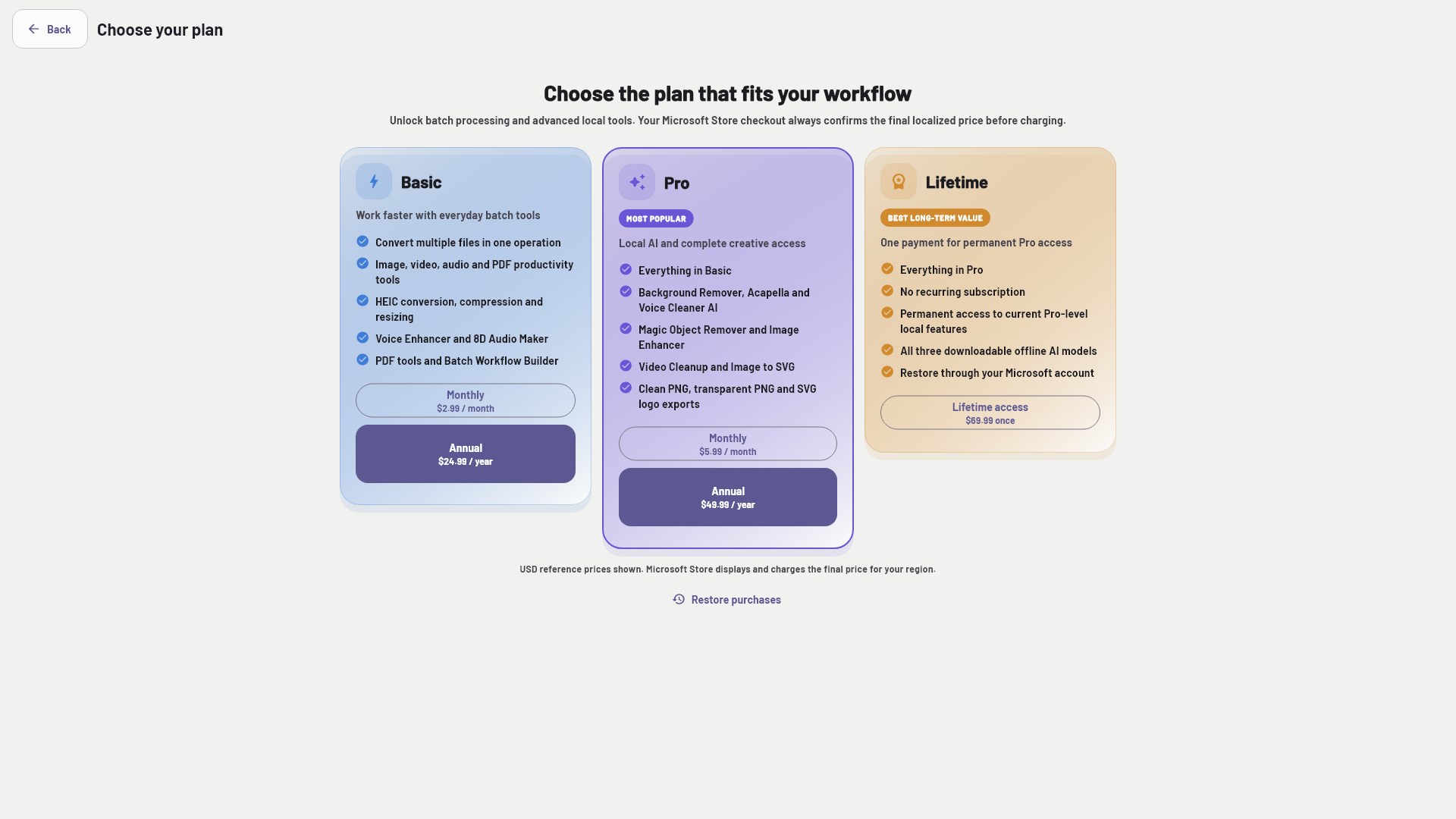
Many standard converters are free. Basic, Pro and Lifetime are optional purchases through Microsoft Store. Basic unlocks additional everyday converters and the Batch Workflow Builder. Pro adds tools such as background removal, image enhancement, voice cleanup, video cleanup and upscale, image-to-SVG and clean Logo Studio exports. Lifetime is a one-time purchase for permanent Pro-level access to current local features. Restore Purchases is available in the app.

Offline AI models and optional Logo Studio AI

Some Pro AI tools download their models once and then run locally on your computer. The Store listing reports about 212 MB for the three models used for voice cleanup, acapella and background removal. Logo Studio also offers an optional AI concept feature: only when you choose it, your brand name, tagline, industry keyword and generated prompt are sent to a third-party AI provider, and an internet connection is required.

Compatibility and practical notes

  • For Windows 10 or Windows 11 on x64 PCs
  • Conversion speed depends on your PC and file size, length and resolution
  • XLSX to PDF supports .xlsx files; complex layouts may render differently from Excel
  • Results and supported media can vary with source quality, codecs and file complexity

Get started

  • Install Routine Tools from Microsoft Store.
  • Search for a tool or select a file to see suggested actions.
  • Convert or edit, choose an output folder and review the saved result.

Questions, answered

Routine Tools FAQ

How many tools are included in Routine Tools?

Routine Tools includes 61 tools covering images, video, audio, PDF and spreadsheet tasks, plus design and workflow tools.

Can Routine Tools convert HEIC photos to JPG?

Yes. HEIC photo conversion to JPG, PNG or WebP is listed among the Basic tools.

Can I merge or split PDF files?

Yes. Routine Tools includes tools to merge PDFs and split a PDF into pages or custom groups.

Are my files uploaded to the cloud?

Standard conversions are processed on your computer whenever possible and do not require uploading files to a Routine Tools server. Some features need internet access, such as Store purchases, one-time Pro model downloads and the optional Logo Studio AI concept feature.

Does Routine Tools include batch processing?

Yes. The Batch Workflow Builder can chain supported steps such as convert, resize, compress, enhance and metadata removal.

What is included in Pro and Lifetime?

Pro adds tools including background removal, object removal, image enhancement, voice noise cleanup, acapella, video cleanup and upscale, image-to-SVG and clean Logo Studio exports. Lifetime is a one-time purchase for permanent Pro-level access to current local features. Check Microsoft Store and the app for current plan details.

Which Windows versions does Routine Tools support?

The Store listing specifies Windows 10 or Windows 11 on x64 PCs.

Available on Microsoft Store

Make everyday file tasks easier to finish.