What is KeyView?
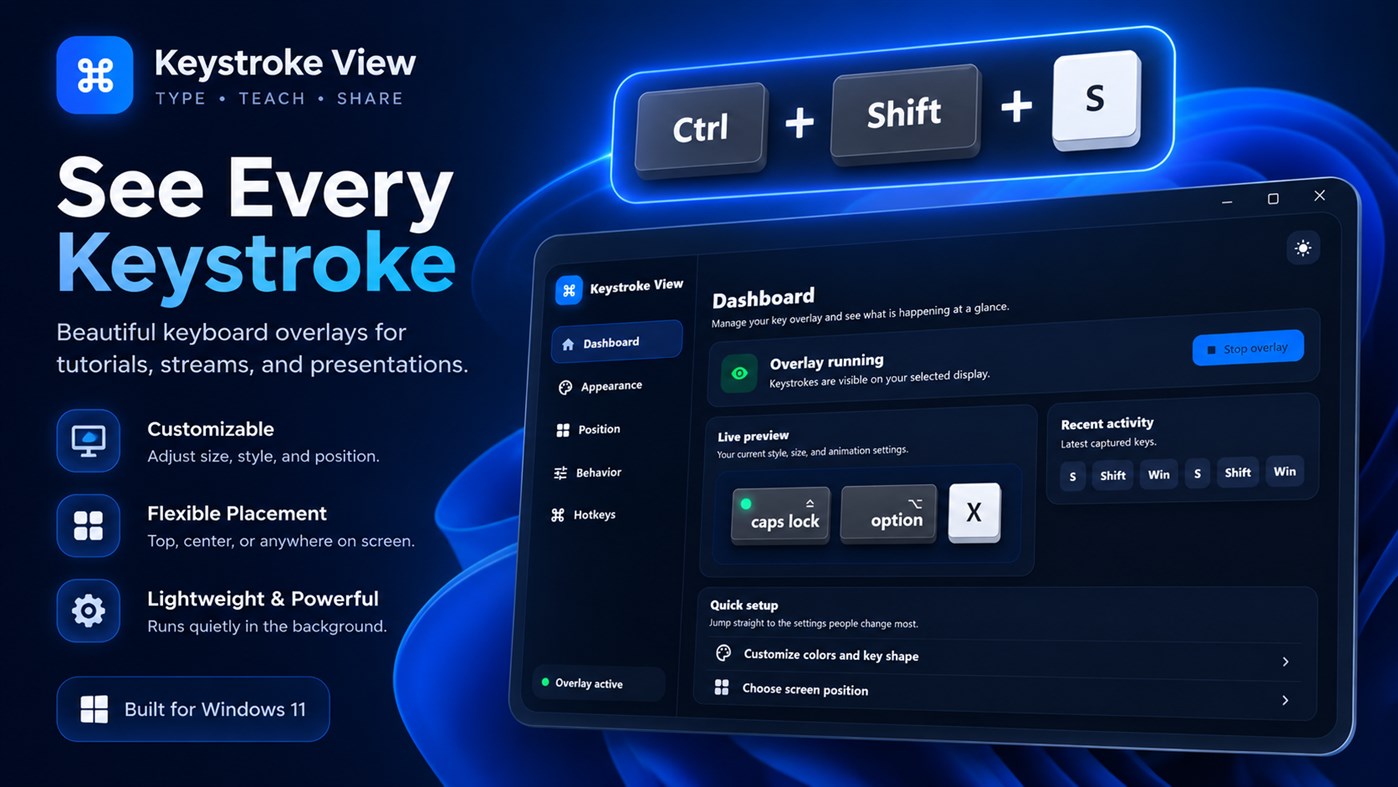
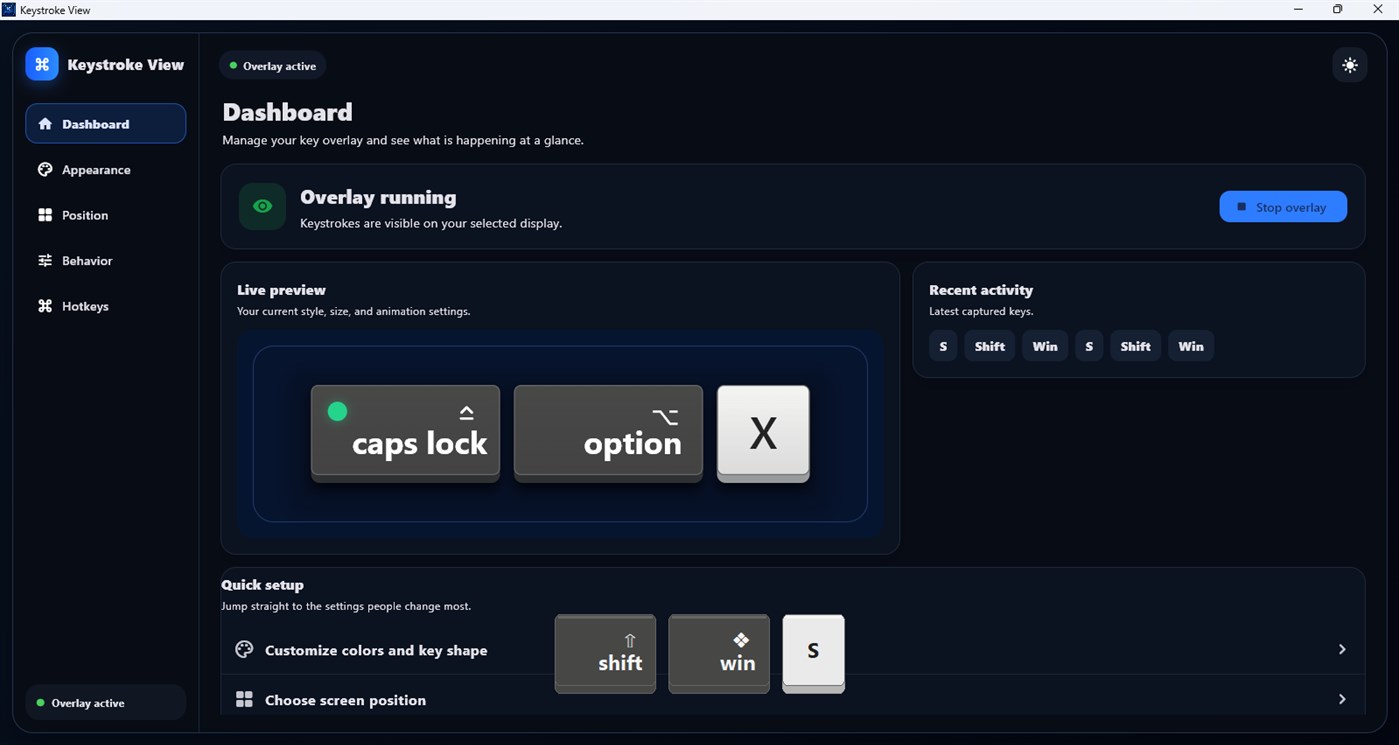
KeyView is a keystroke visualizer for Windows. It displays key presses, shortcuts and combinations such as Ctrl + Shift + S as modern keycaps above your apps, helping viewers follow exactly what you are doing.
See every keystroke.
KeyView is a lightweight, customizable keystroke visualizer for Windows that shows keyboard input in a clean overlay above your apps.
The main download link works on any device; the second opens Microsoft Store on Windows.

Product preview
Official screenshots from the Microsoft Store listing. Select any image to view it at full size.
KeyView is a keystroke visualizer for Windows. It displays key presses, shortcuts and combinations such as Ctrl + Shift + S as modern keycaps above your apps, helping viewers follow exactly what you are doing.
Use KeyView when recording coding tutorials, teaching shortcuts, presenting software, streaming a game or demonstrating a workflow in code editors, browsers and creative apps.
Show individual keys, shortcuts and key combinations, or briefly display typed words. Adjust colors, opacity, key size, text style, spacing, corner radius, animations and display duration.
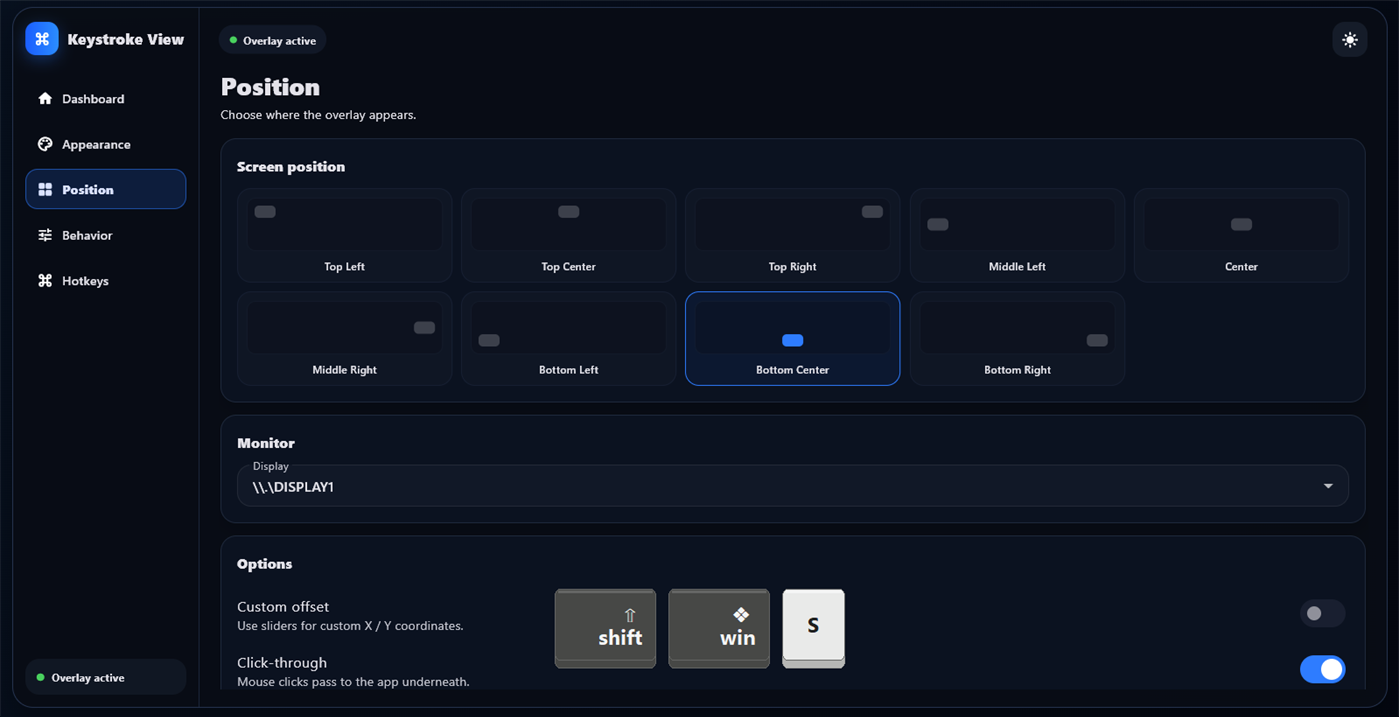
Place the overlay where viewers can see it, choose a monitor, and enable click-through so KeyView never interferes with the app underneath.
Keyboard events are processed locally for on-screen display and are not uploaded to a cloud service. Typed input is not permanently stored by the core visualizer.
Questions, answered
No. It is a keystroke visualizer. Events are processed locally for display and are not uploaded or permanently stored by the core visualizer.
KeyView appears in display captures. Test your preferred capture setup before recording a live session.
Yes. Key combinations are shown together as modern keycaps.
No. Enable click-through mode to keep interacting with the app underneath.
Yes. You can choose the monitor where the overlay appears.
Available on Microsoft Store
More from TechEquator