What is Fonts Library?
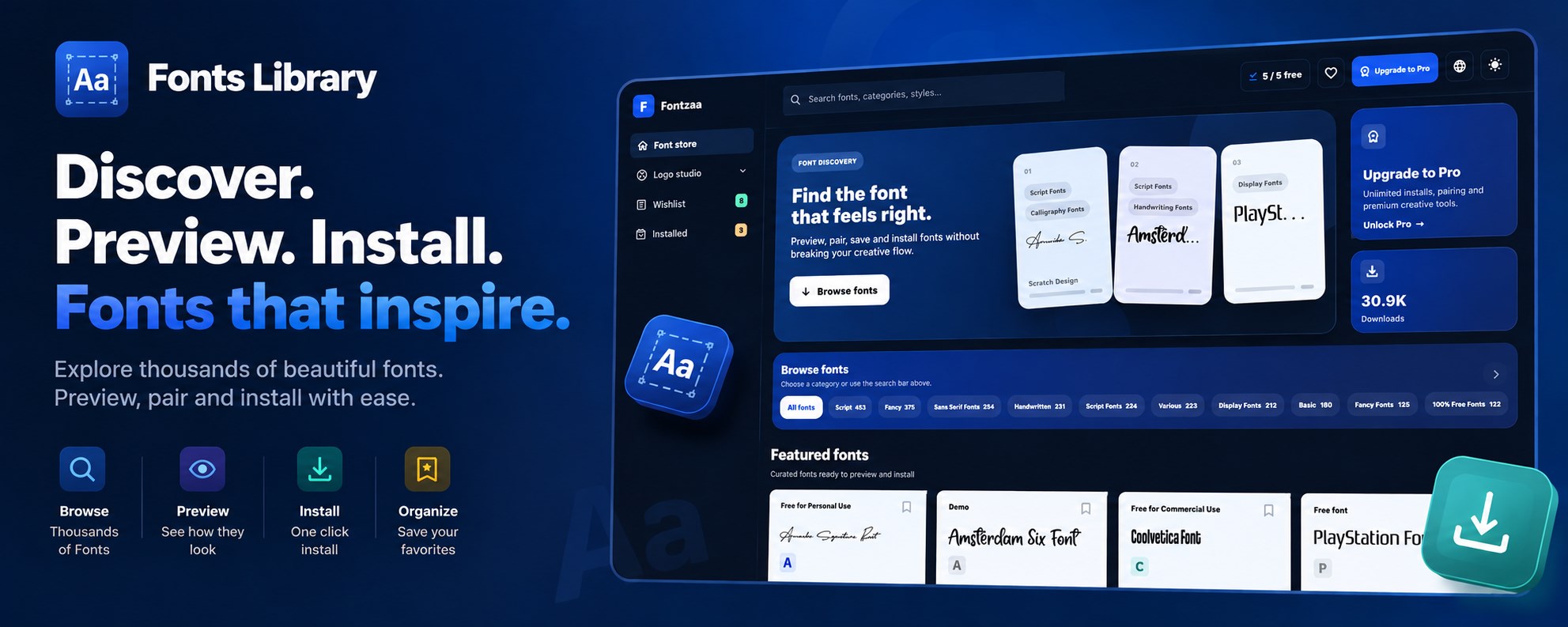
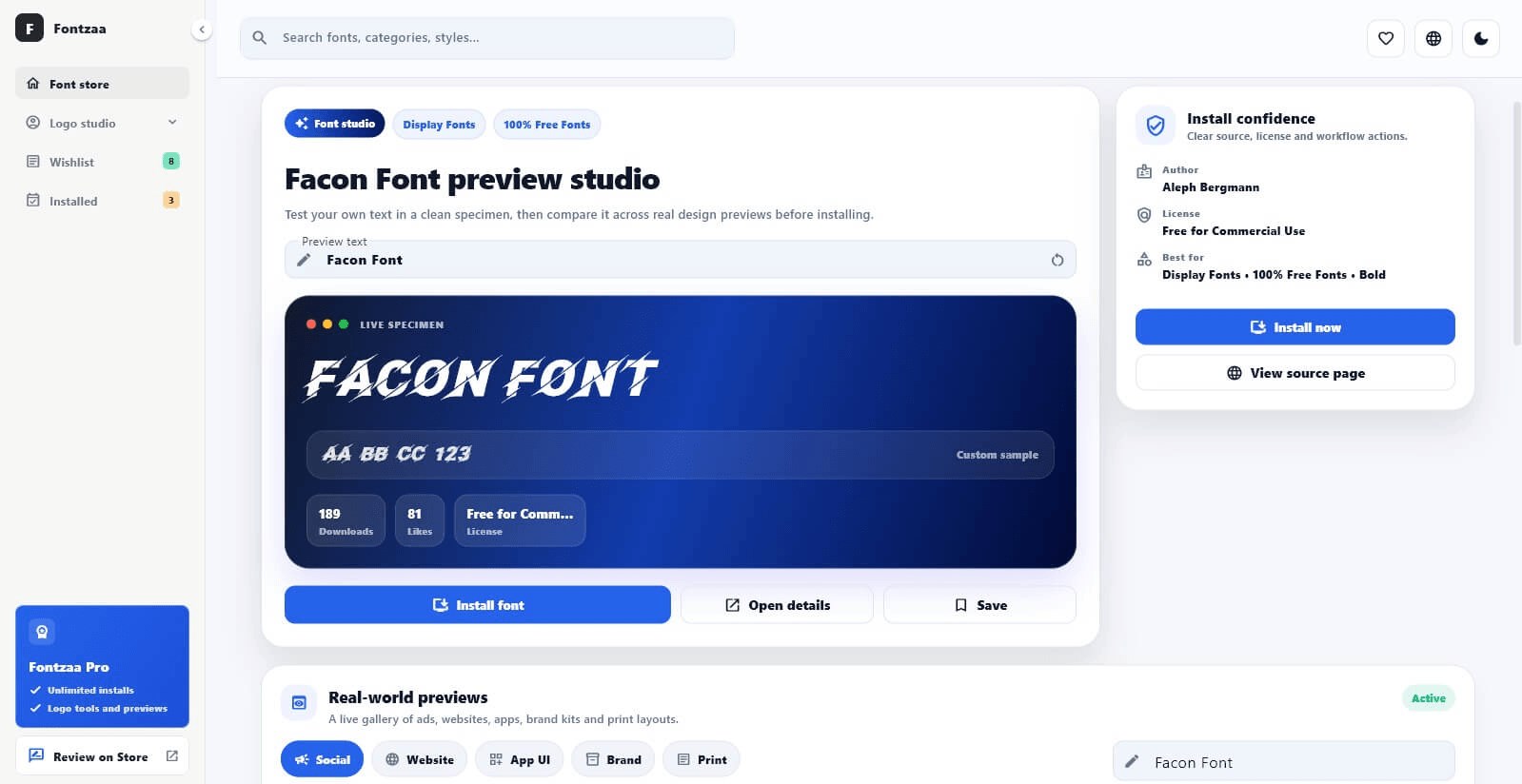
Fonts Library is a font manager, viewer and installer for Windows. Discover typography for logos, branding, documents and design projects, preview it using your own text and install it in a few clicks.
Find the perfect font in seconds.
Fonts Library is a Windows font manager to discover, preview, organize and install fonts, with a built-in Logo Studio.
The main download link works on any device; the second opens Microsoft Store on Windows.
Product preview
Official screenshots from the Microsoft Store listing. Select any image to view it at full size.
Fonts Library is a font manager, viewer and installer for Windows. Discover typography for logos, branding, documents and design projects, preview it using your own text and install it in a few clicks.
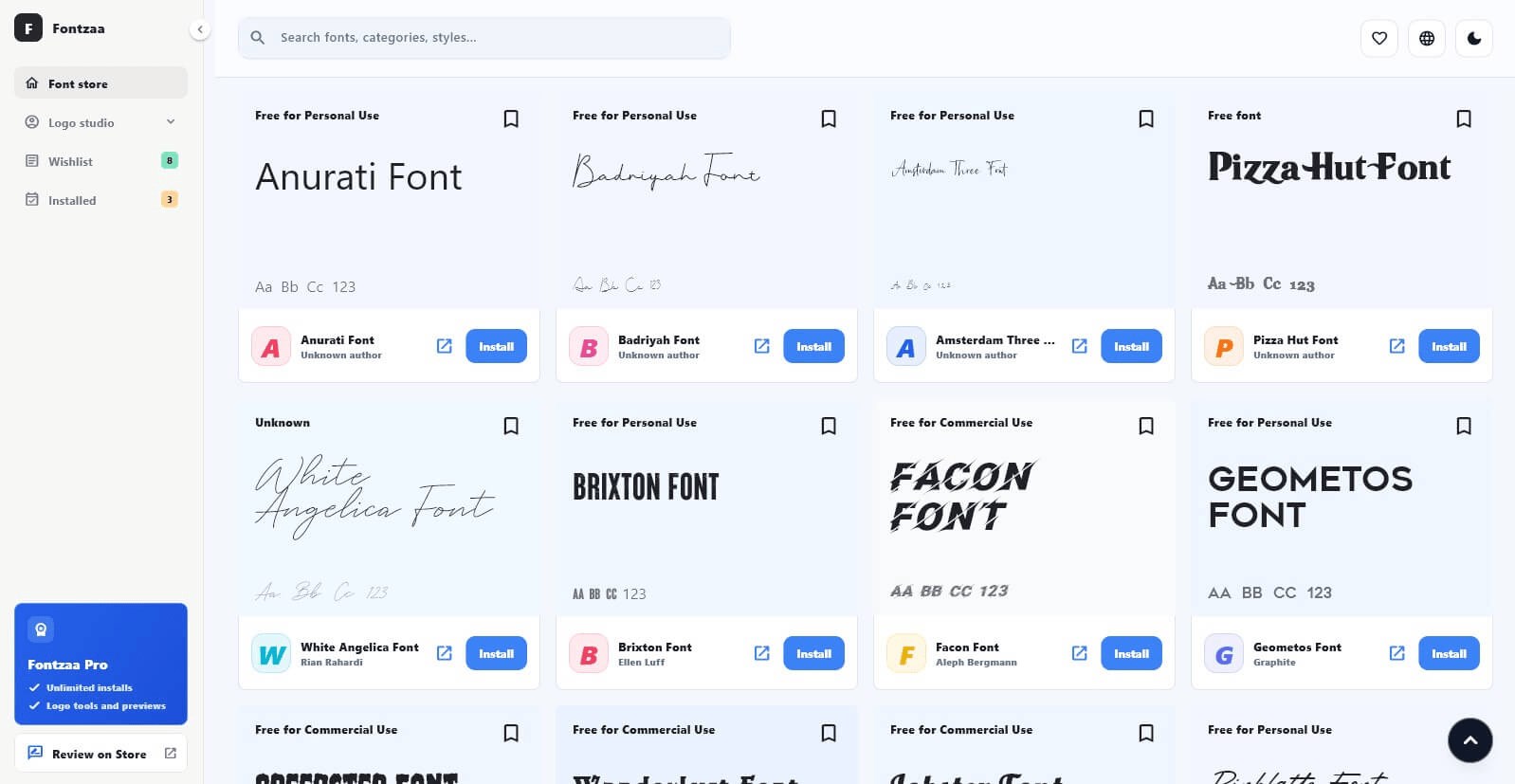
Type a brand name, headline or sentence and instantly see how it looks in different fonts before installing anything.
Preview fonts inside social posts, website sections, app screens, brand cards, packaging labels, posters and logo concepts instead of relying on a sample alphabet.
Test business names, product names and channel ideas using different styles, categories, tags and layouts. Save favorites, track installed fonts, search, filter and compare options to make faster design decisions.
When you find the right font, install it in Windows so it is available in your other apps. Always review the font's individual license before using it commercially.
Questions, answered
Yes. Enter your own text and preview it before installation.
Choose the font and use the install option to add it to Windows for use in other apps.
Yes. Logo Studio is designed for quick brand-name and logo typography previews.
Yes. Fonts Library tracks installed fonts in the app.
Licensing varies by font. Check the license attached to each font before using it in commercial work.
Available on Microsoft Store
More from TechEquator