What is Cursor Craft?
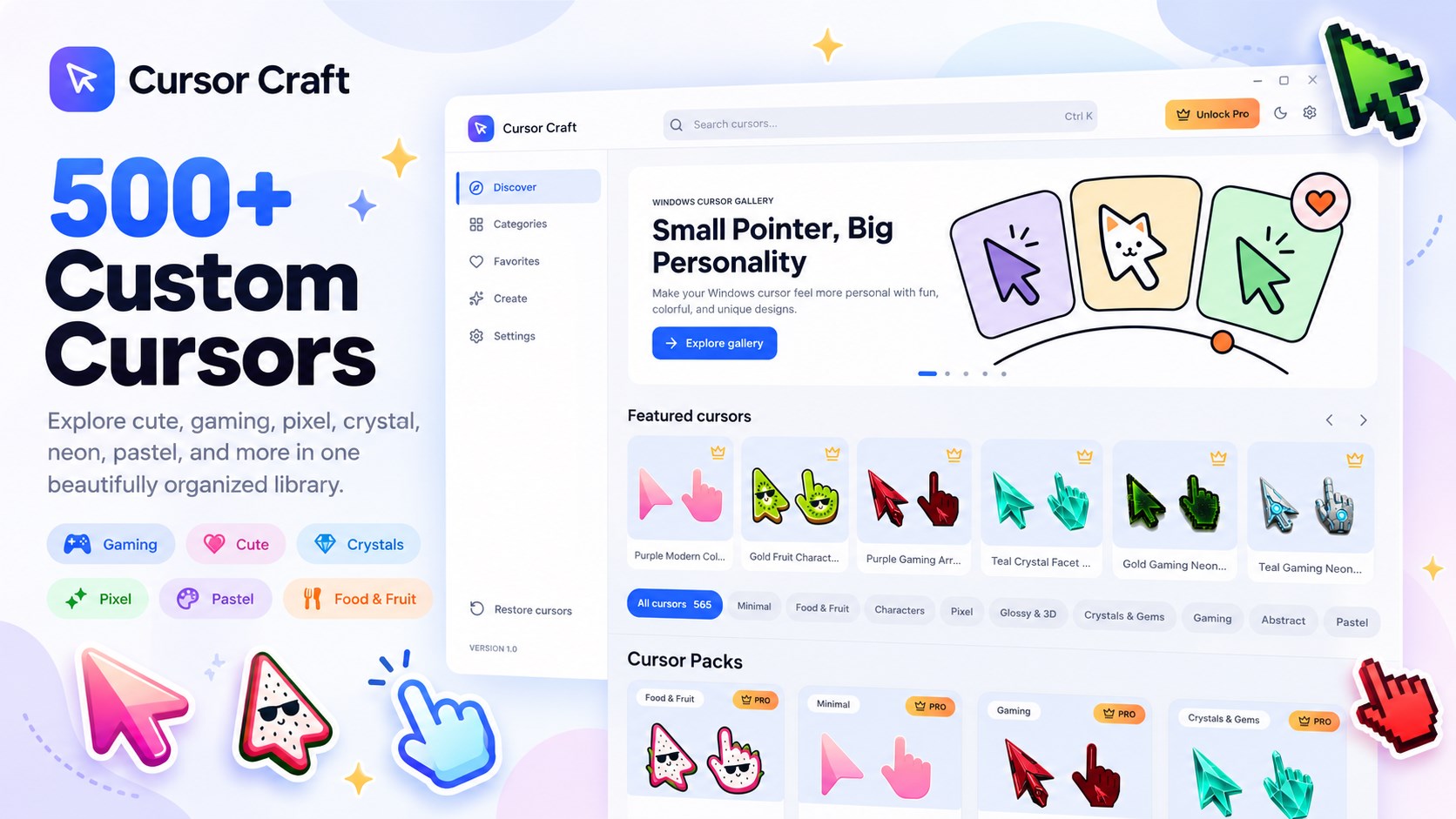
Cursor Craft: Custom Cursors is a Windows cursor gallery with more than 500 hand-picked mouse cursor designs. Preview a cursor, apply the look you like, and restore the original Windows cursor scheme whenever you want.
Make Windows feel personal with 500+ custom cursors.
Explore hand-picked cursor designs, preview them live, and apply or restore your Windows cursor scheme in one click.
The main download link works on any device; the second opens Microsoft Store on Windows.

Product preview
Official Microsoft Store screenshots. Select any image to view it at full size.
Cursor Craft: Custom Cursors is a Windows cursor gallery with more than 500 hand-picked mouse cursor designs. Preview a cursor, apply the look you like, and restore the original Windows cursor scheme whenever you want.
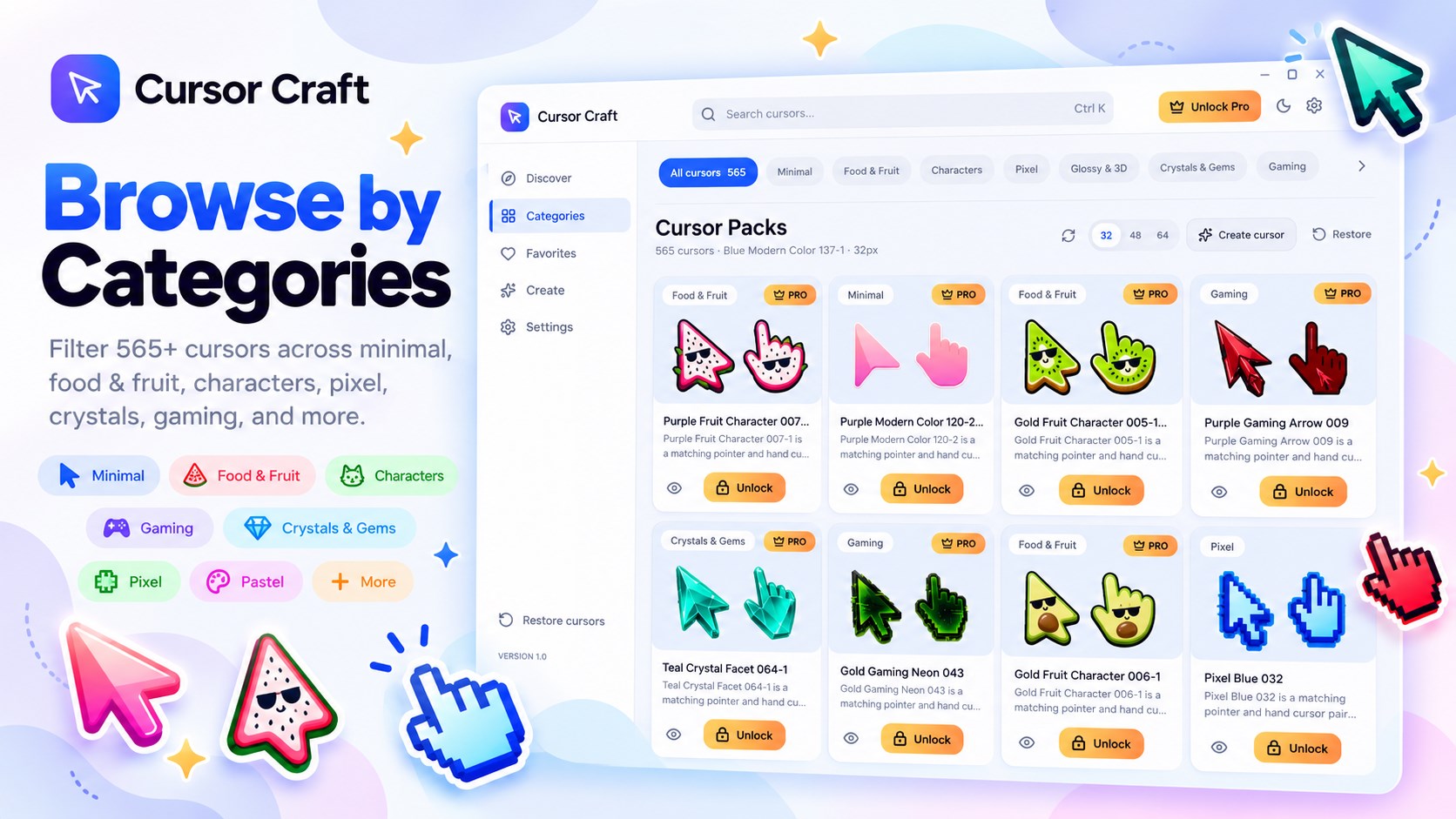
Explore cursor designs in styles such as crystals and gems, cute characters, pastel, minimal, neon, pixel, glossy 3D and space. Matching pointer and hand cursor pairs are designed to work together, so your cursor set feels consistent across Windows.
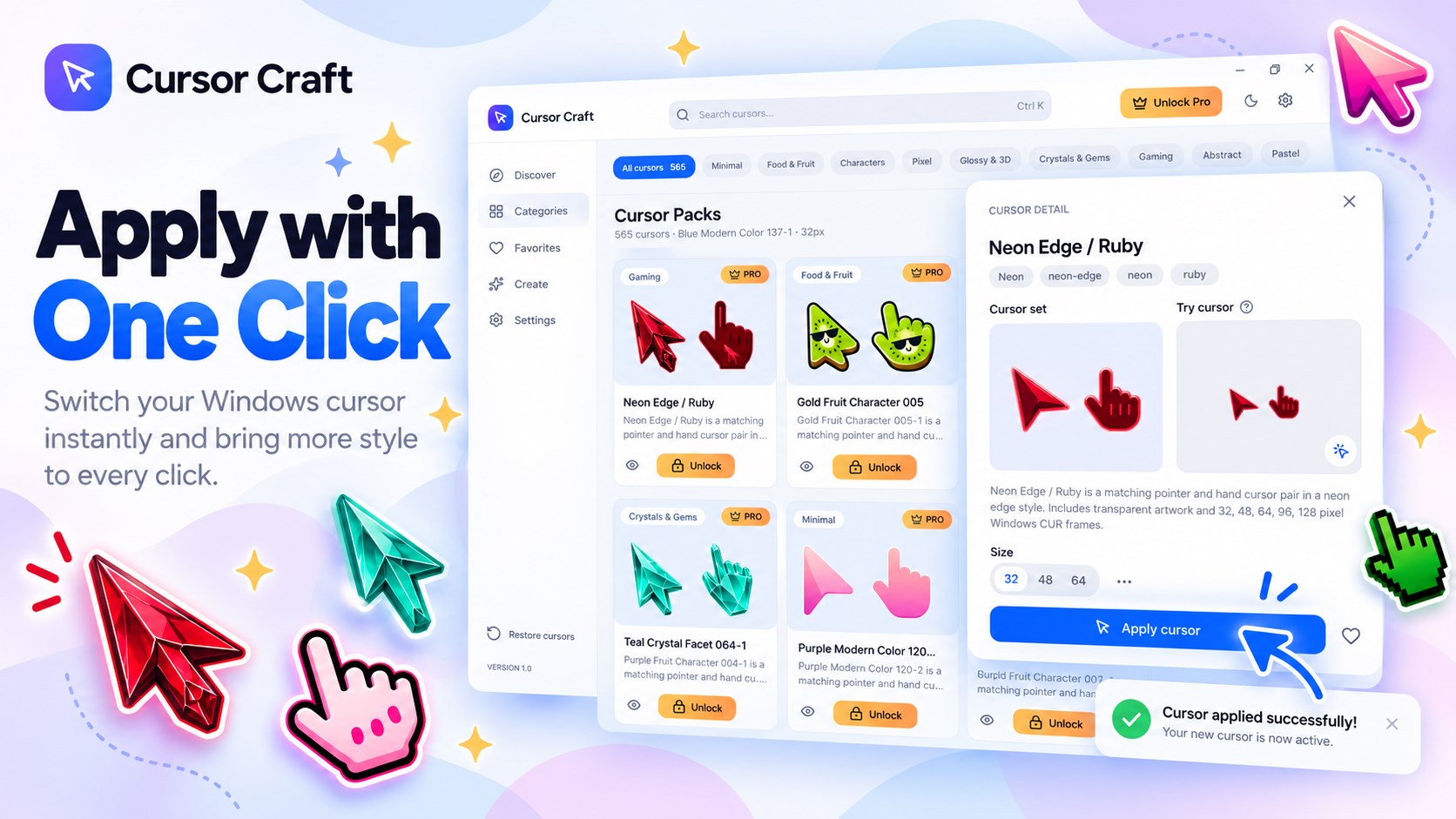
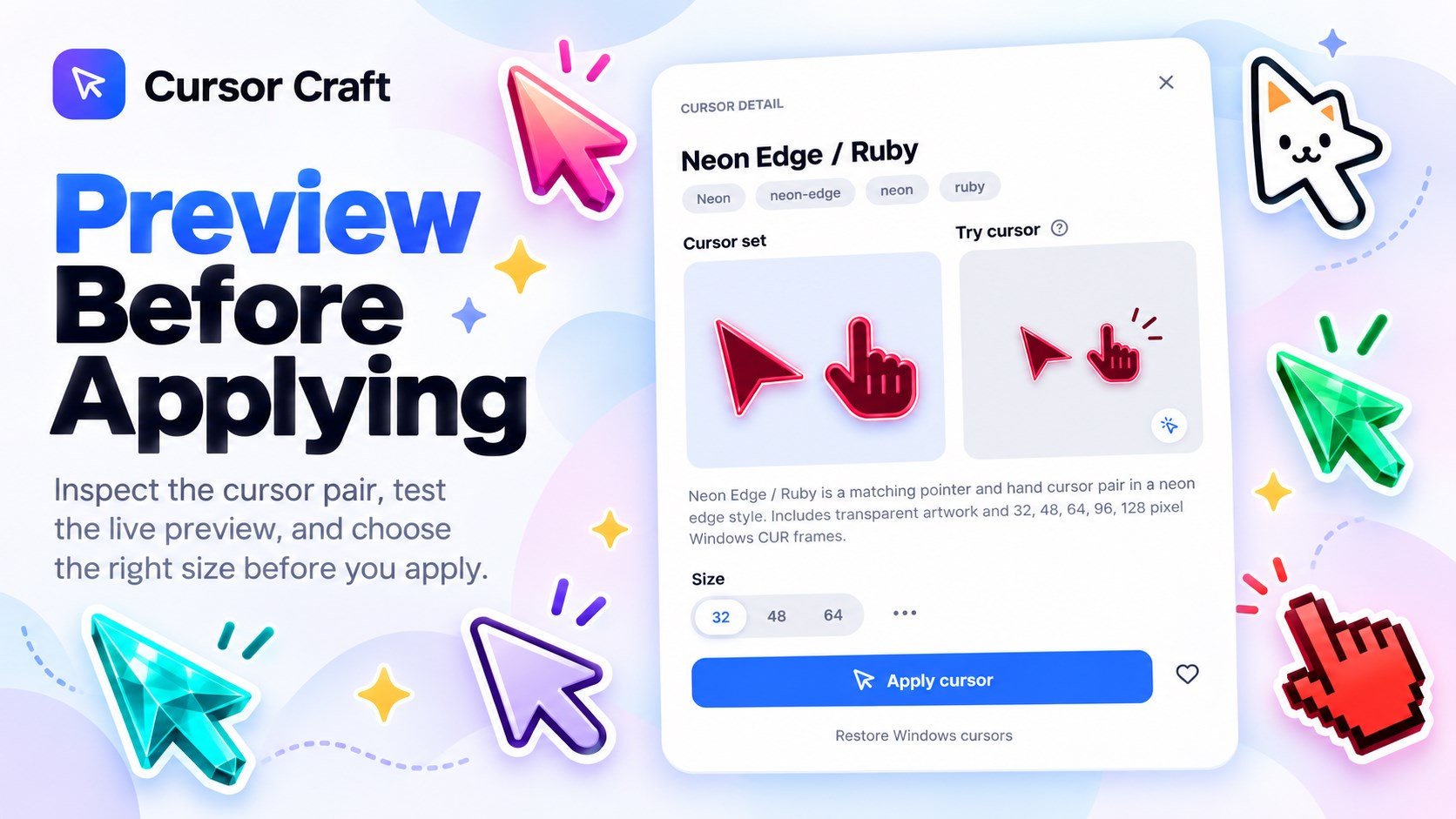
Try a cursor in the live preview before changing your desktop. Apply your favorite in one click, then use restore to return to your original Windows cursors. Choose the standard 32px size for free, with larger sizes available in Pro.
Search and filter by category, even when you are offline. Cursor Craft saves the cursor library on your PC after the first launch, and applied cursor files are stored locally for quick reuse. Choose a light or dark theme, and new cursor packs appear automatically as they are added.
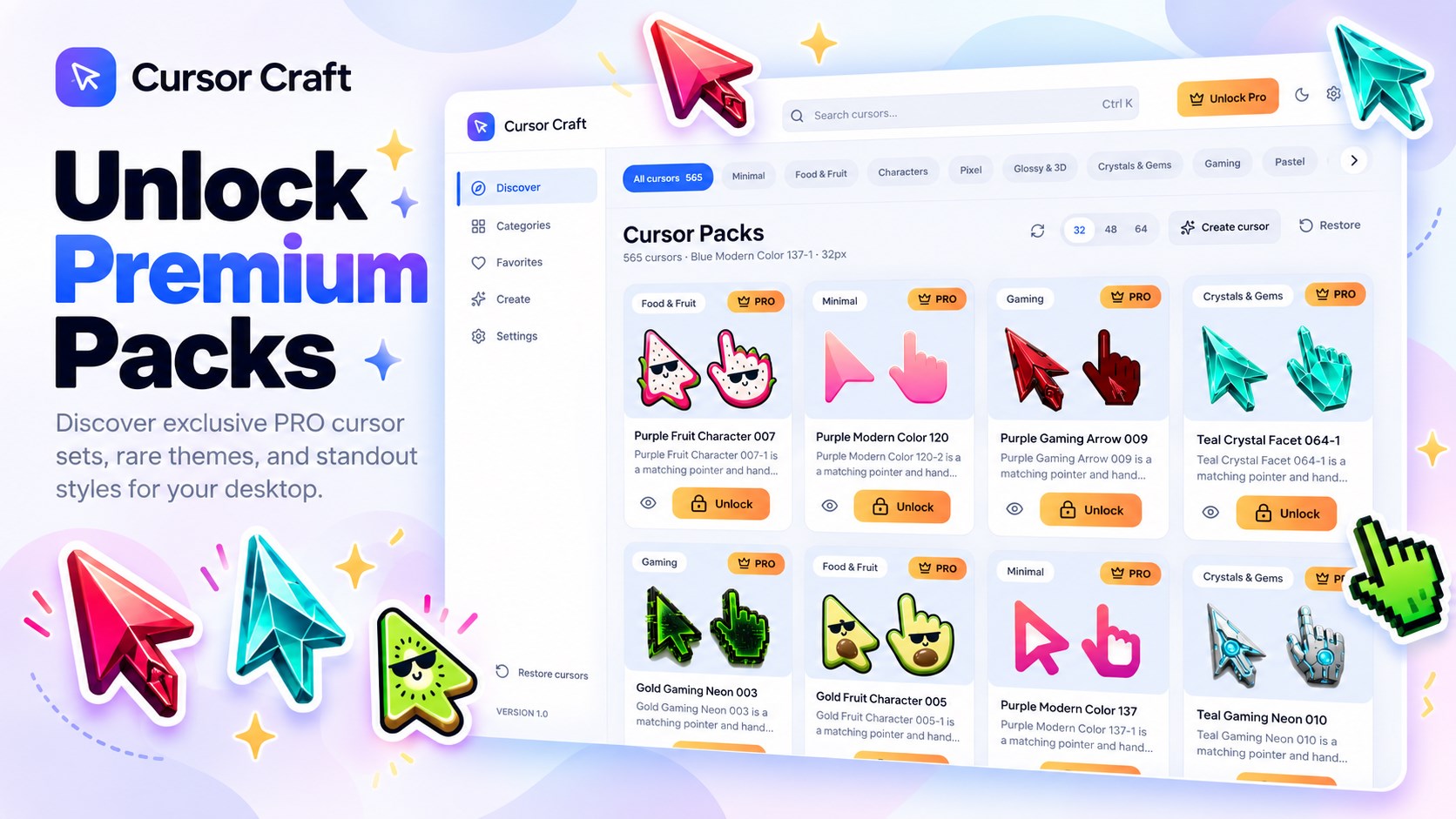
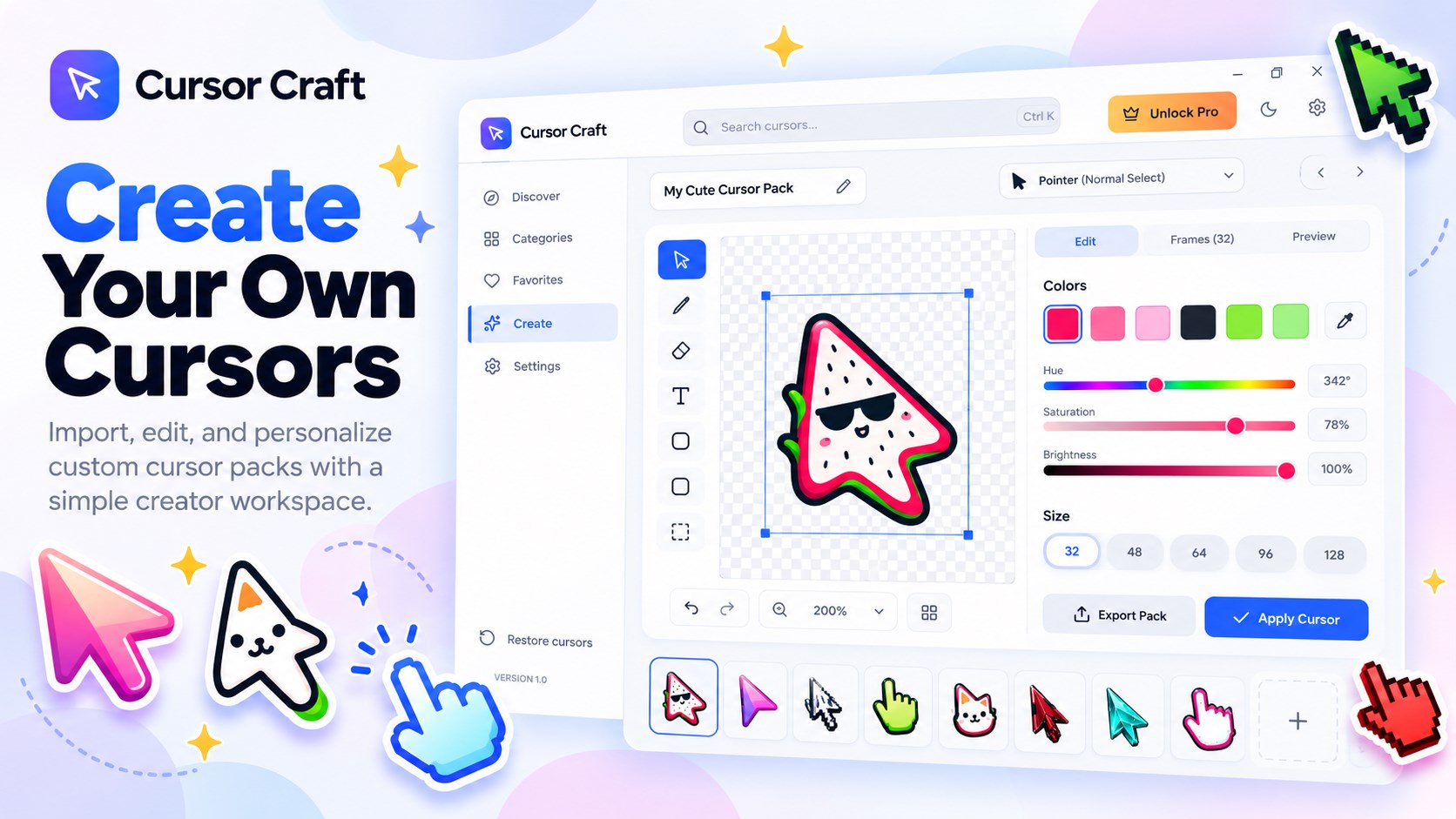
Start with a curated selection for free. A one-time Pro purchase unlocks every cursor, larger cursor sizes, favorites, the Create cursor tool and future packs. There is no subscription, and a seven-day free Pro trial is available from inside the app.
Cursor Craft does not collect personal information. Purchases are handled by Microsoft Store. The app changes your Windows mouse cursor scheme, and you can restore the original cursors at any time.
Questions, answered
Cursor Craft includes more than 500 hand-picked custom mouse cursors in a range of styles.
Yes. Use the live preview pad to try a cursor before applying it to Windows.
Yes. Cursor Craft can restore your original Windows cursor scheme in one click.
Search and category browsing work offline after the cursor library is saved on your PC.
You can start with a curated set of free cursors. Pro is an optional one-time purchase with no subscription; it unlocks the full library, larger sizes, favorites, the Create cursor tool and future packs. A seven-day free trial is available in the app.
No. Cursor Craft does not collect personal information. Microsoft Store handles purchases.
Cursor Craft: Custom Cursors is available for Windows from Microsoft Store.
Available on Microsoft Store
More from TechEquator